> ## Documentation Index
> Fetch the complete documentation index at: https://docs.geekai.co/llms.txt
> Use this file to discover all available pages before exploring further.
# BotGem
打开 [BotGem](https://botgem.com/) 设置界面,填入极客智坊 API 接口 URL 和 API\_KEY:
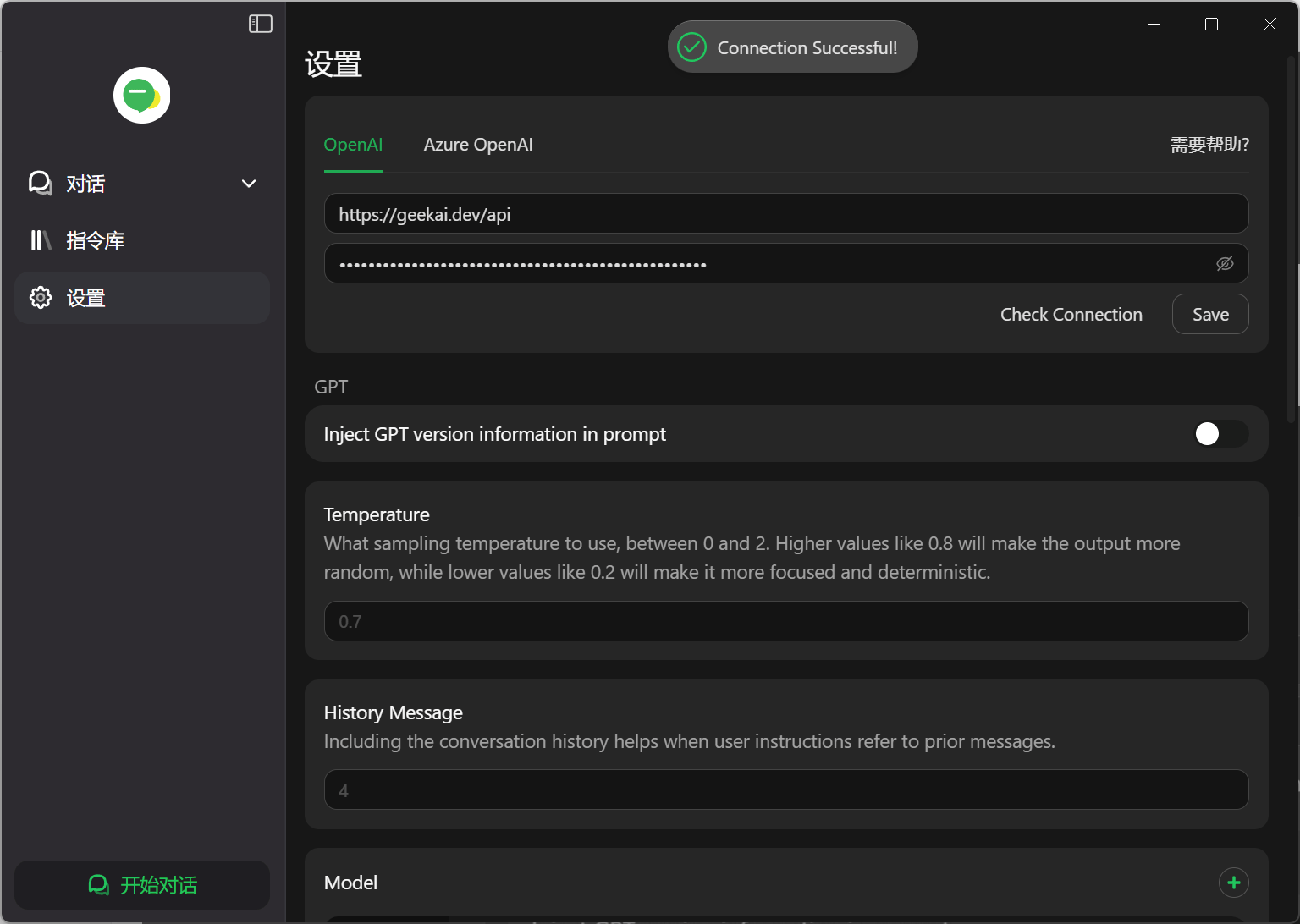 注意:接口 URL 后面不要带 / 后缀。
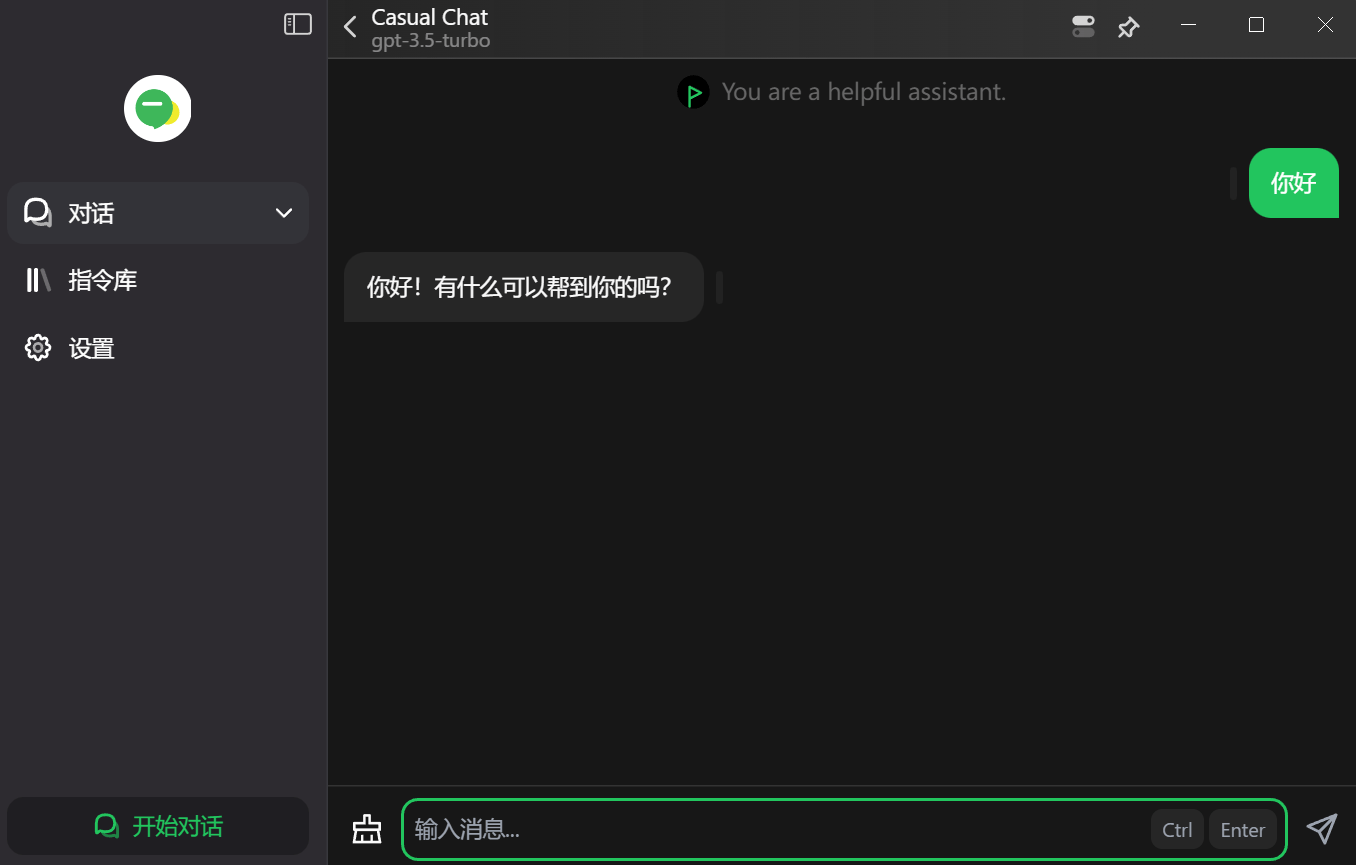
配置完成后,点击 Check Connection 测试连接是否正常,正常则点击 Save 保存设置,然后进入对话界面即可通过极客智坊代理的 AI 模型进行对话:
注意:接口 URL 后面不要带 / 后缀。
配置完成后,点击 Check Connection 测试连接是否正常,正常则点击 Save 保存设置,然后进入对话界面即可通过极客智坊代理的 AI 模型进行对话: