> ## Documentation Index
> Fetch the complete documentation index at: https://docs.geekai.co/llms.txt
> Use this file to discover all available pages before exploring further.
# Continue
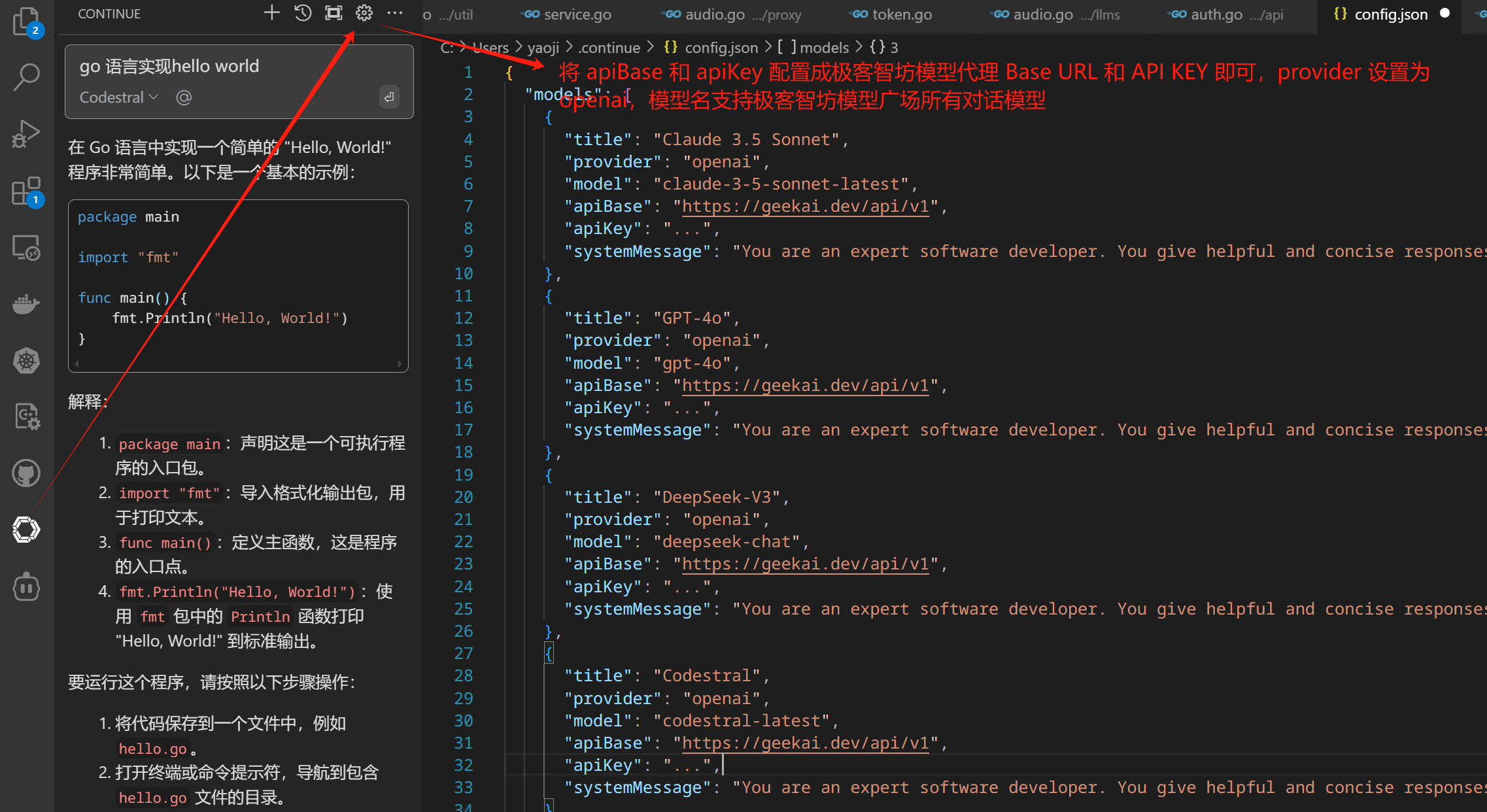
在 VS Code 中安装 Continue 扩展后,打开 Continue 配置文件,以 OpenAI 兼容供应商方式配置极客智坊模型代理 Base URL 和 API KEY:
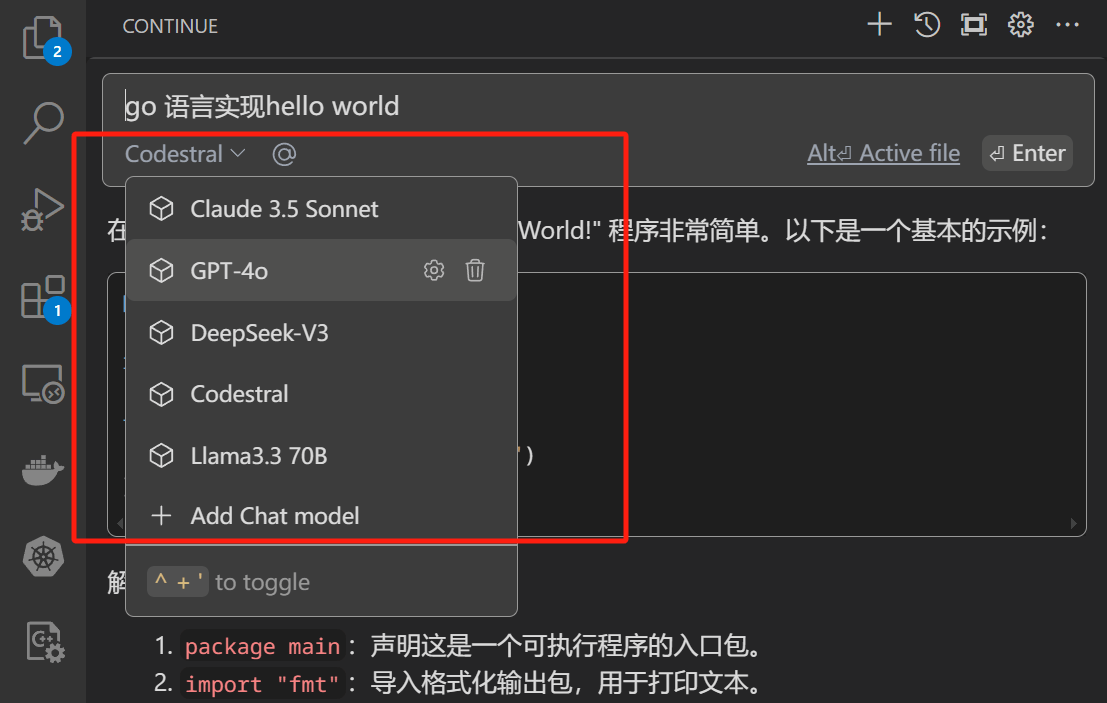
 配置完成后,就可以通过极客智坊的模型代理服务在 VS Code 中使用 Continue 了,你可以在模型下拉框选择配置文件中配置的模型:
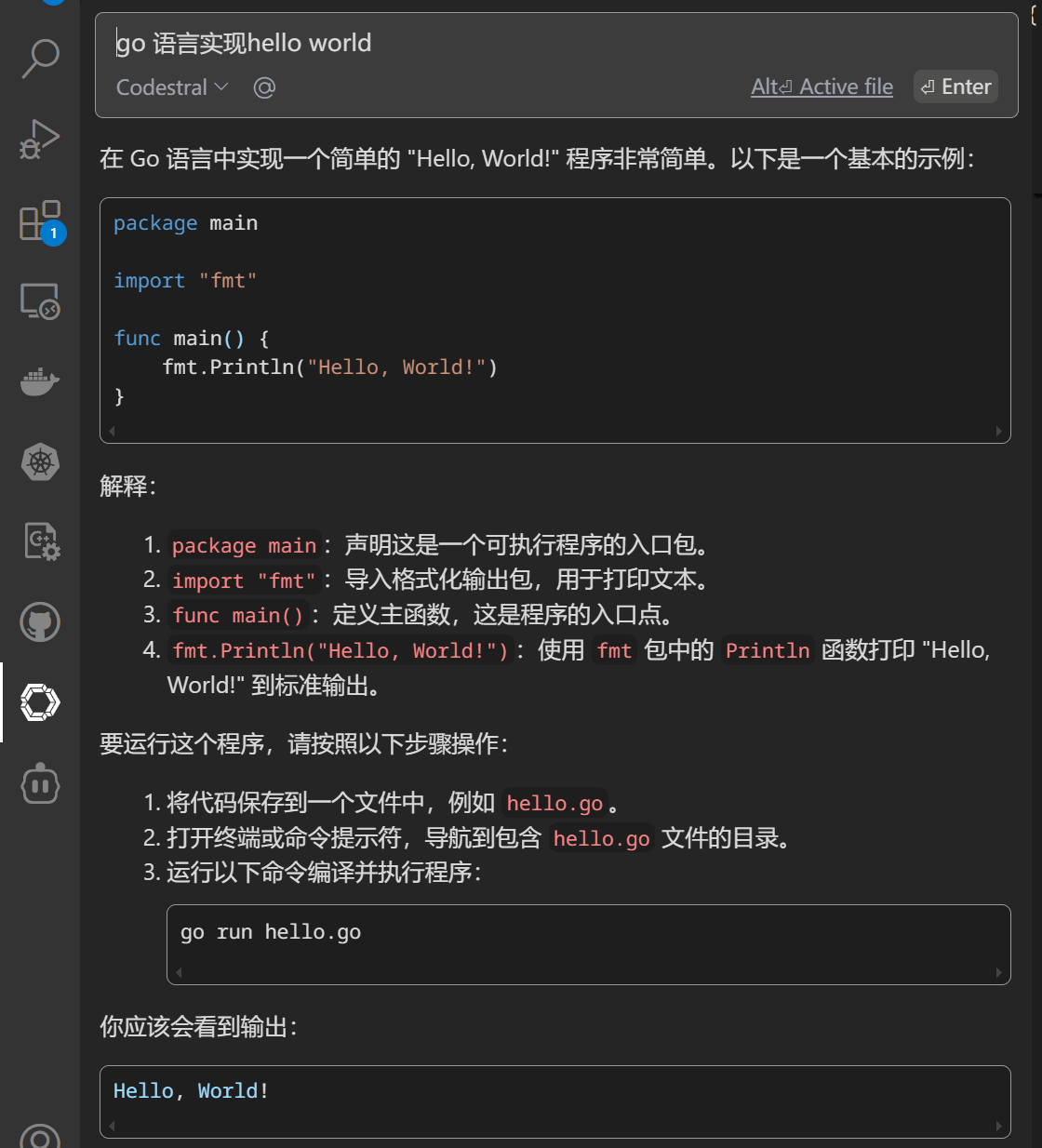
 然后输入你的问题,即可获得对问题的解答:
 更多关于 Continue 的用法,可以参考[官方文档](https://docs.continue.dev/) 。