> ## Documentation Index
> Fetch the complete documentation index at: https://docs.geekai.co/llms.txt
> Use this file to discover all available pages before exploring further.
# DeepSeek Harness
打开 [DeepSeek Harness](https://www.deepseek.com/harness/)官网,这里采用的是 npx 一键命令快速安装启动:
```bash theme={null}
npx @deepseek-ai/dsh web
```
第一次安装可能需要安装一些依赖,时间有点长,等待其安装完成就行。
安装完成之后会自动打开web界面,或者启动后浏览器访问 [http://127.0.0.1:3080](http://127.0.0.1:3080) 进入 Web 界面
打开左下角设置 → 模型,点击添加自定义提供方来添加极客智坊的api:
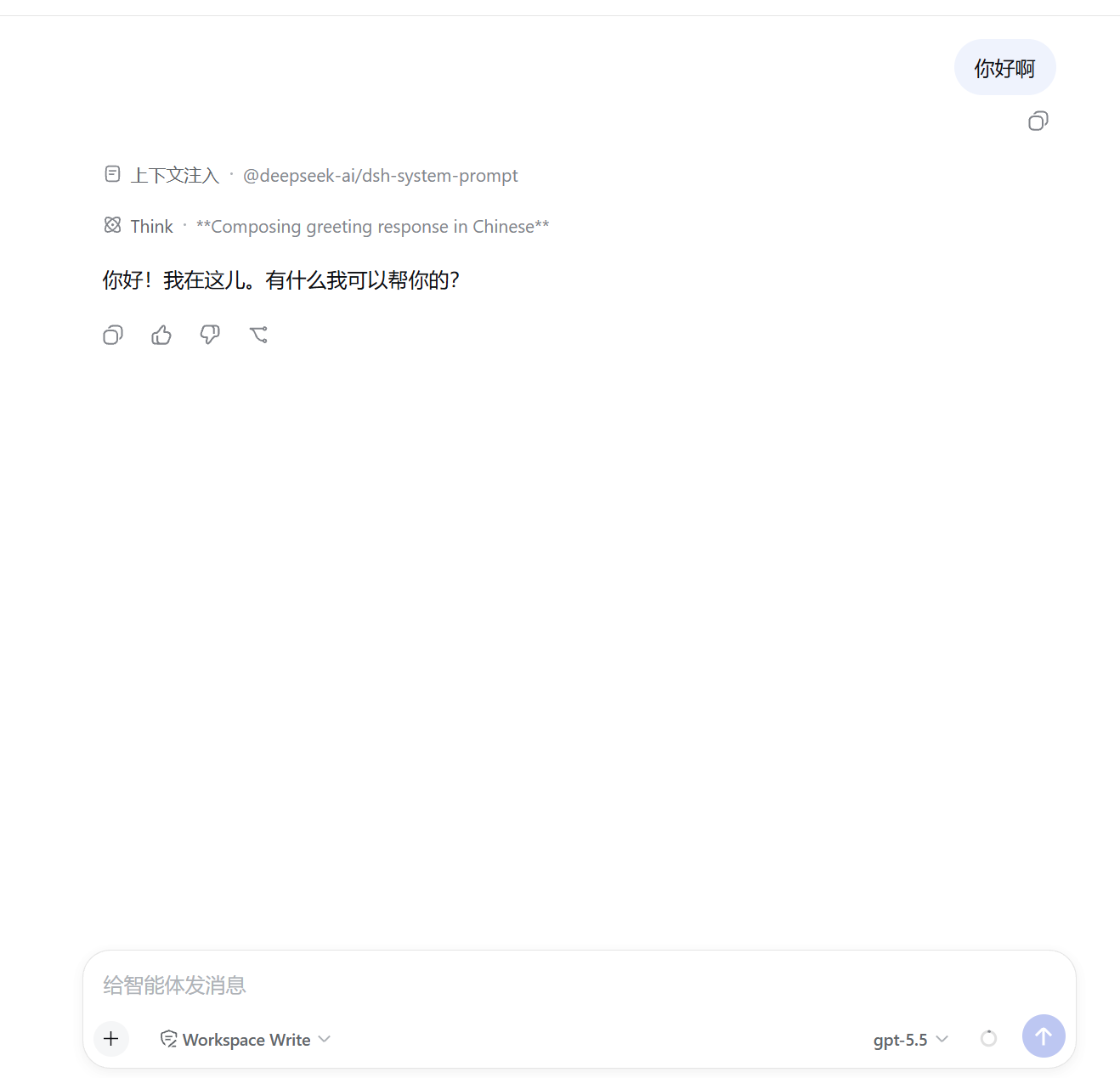
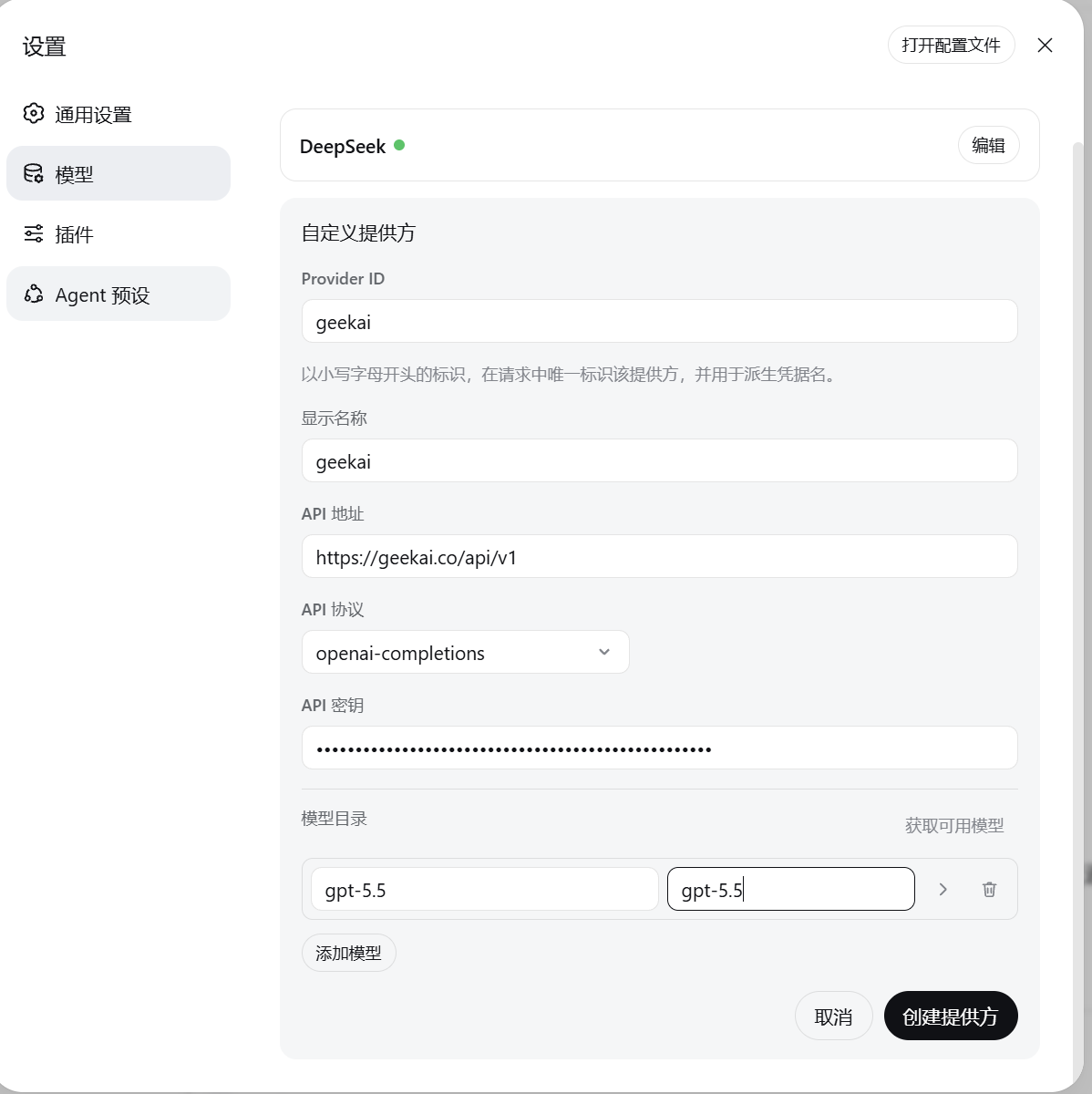 点击创建提供方便可完成创建,我们回到对话界面,便可以使用模型进行对话了: