> ## Documentation Index
> Fetch the complete documentation index at: https://docs.geekai.co/llms.txt
> Use this file to discover all available pages before exploring further.
# Roo Code
在 VS Code 中安装 [Roo Code](https://github.com/RooVetGit/Roo-Code)(原 Roo Cline) 扩展后,打开 Roo Code 配置界面,在 AI 供应商下拉列表中选择 OpenAI Compatible,然后在下面的配置项中填入极客智坊模型代理接口 Base URL 和 API\_KEY,以及默认使用的模型名称:
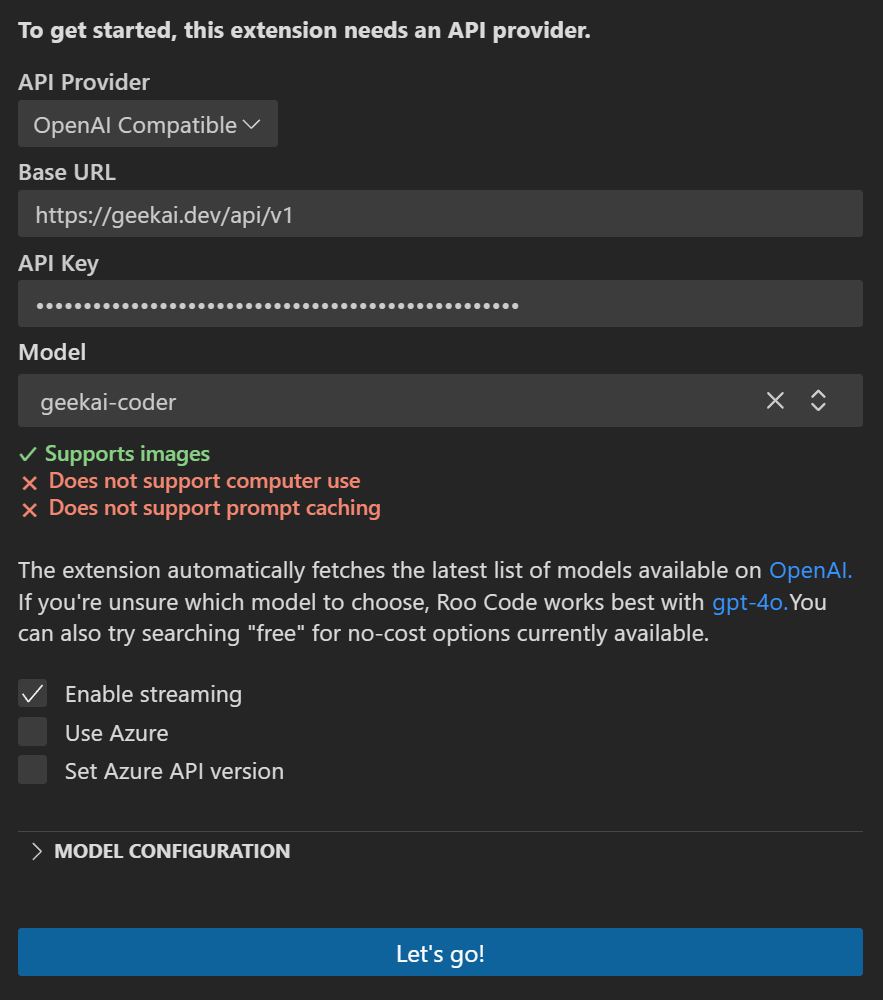 > `geekai-coder` 模型是 Claude-Sonnet 最新版本的别名,目前指向 Claude-3.7-Sonnet。
配置完成后,点击 Let’s go 按钮,就可以通过极客智坊的 AI 模型代理服务在 VS Code 中使用 Roo Code 了:
> `geekai-coder` 模型是 Claude-Sonnet 最新版本的别名,目前指向 Claude-3.7-Sonnet。
配置完成后,点击 Let’s go 按钮,就可以通过极客智坊的 AI 模型代理服务在 VS Code 中使用 Roo Code 了:
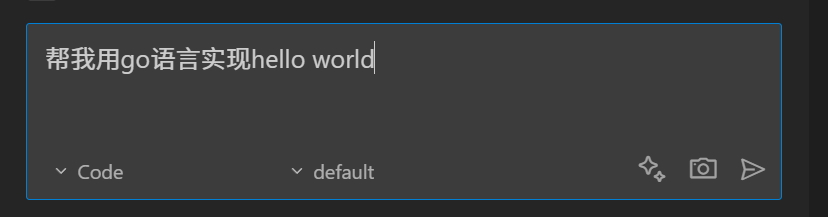
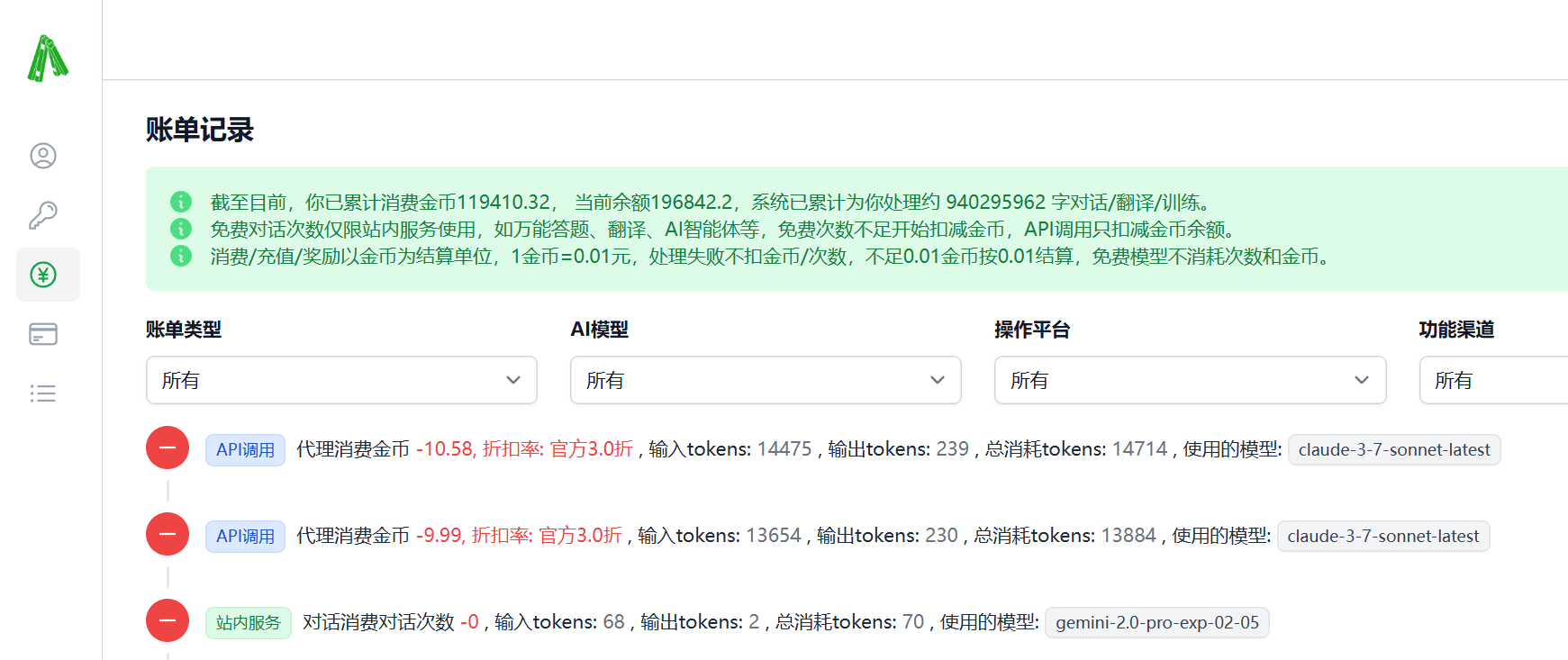
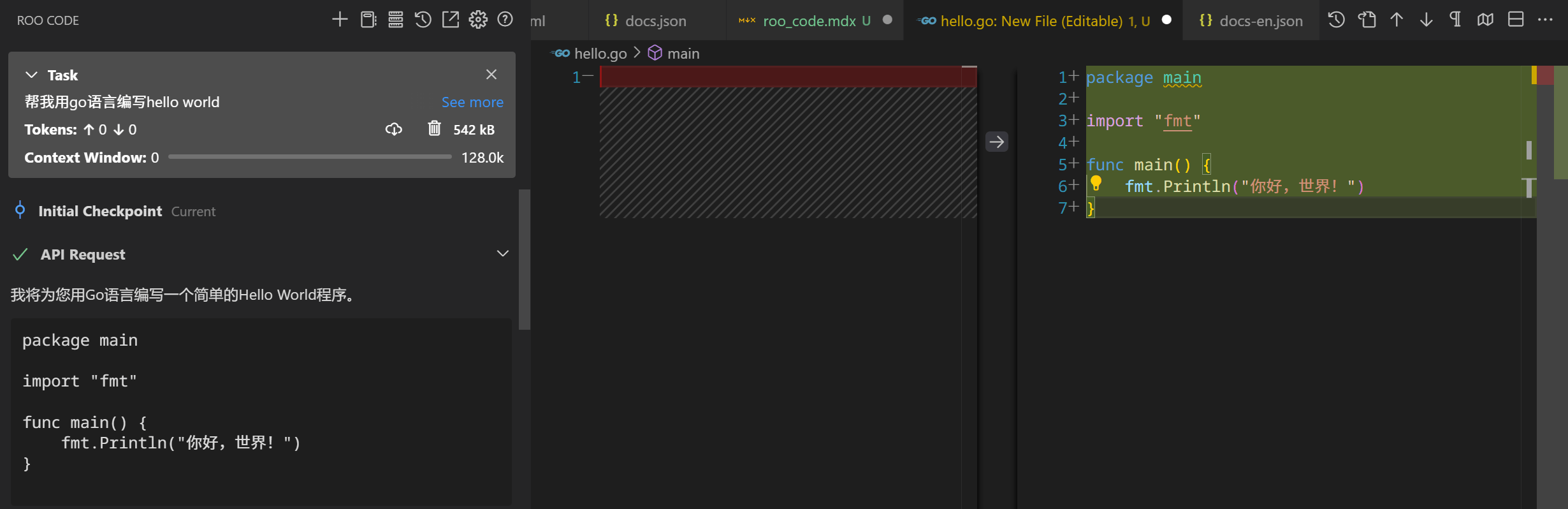 你可以在极客智坊后台[账单记录页面](https://geekai.co/user/transactions) 查看 API 消耗情况:
 更多关于 Cline 的用法,可以参考[官方文档](https://docs.roocode.com/) ,英文文档建议安装[沉浸式翻译插件](https://docs.geekai.co/cn/third-party/immersivetranslation)结合极客智坊免费AI模型驱动在浏览器阅读。