> ## Documentation Index
> Fetch the complete documentation index at: https://docs.geekai.co/llms.txt
> Use this file to discover all available pages before exploring further.
# BotGem
Open the [BotGem](https://botgem.com/) settings page and fill in the GeekAI API interface URL and API\_KEY:
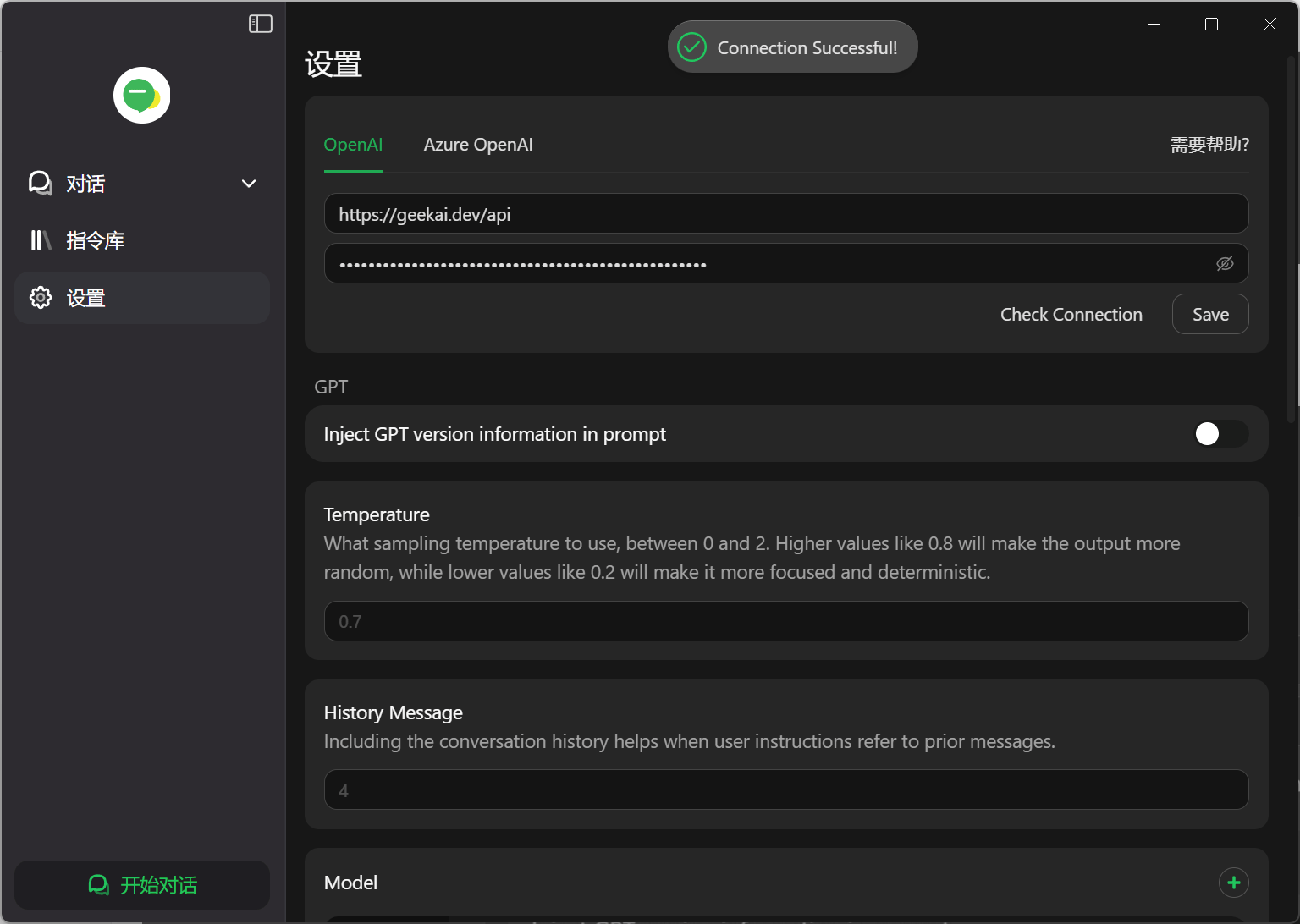 Note: Do not include a trailing slash (/) at the end of the interface URL.
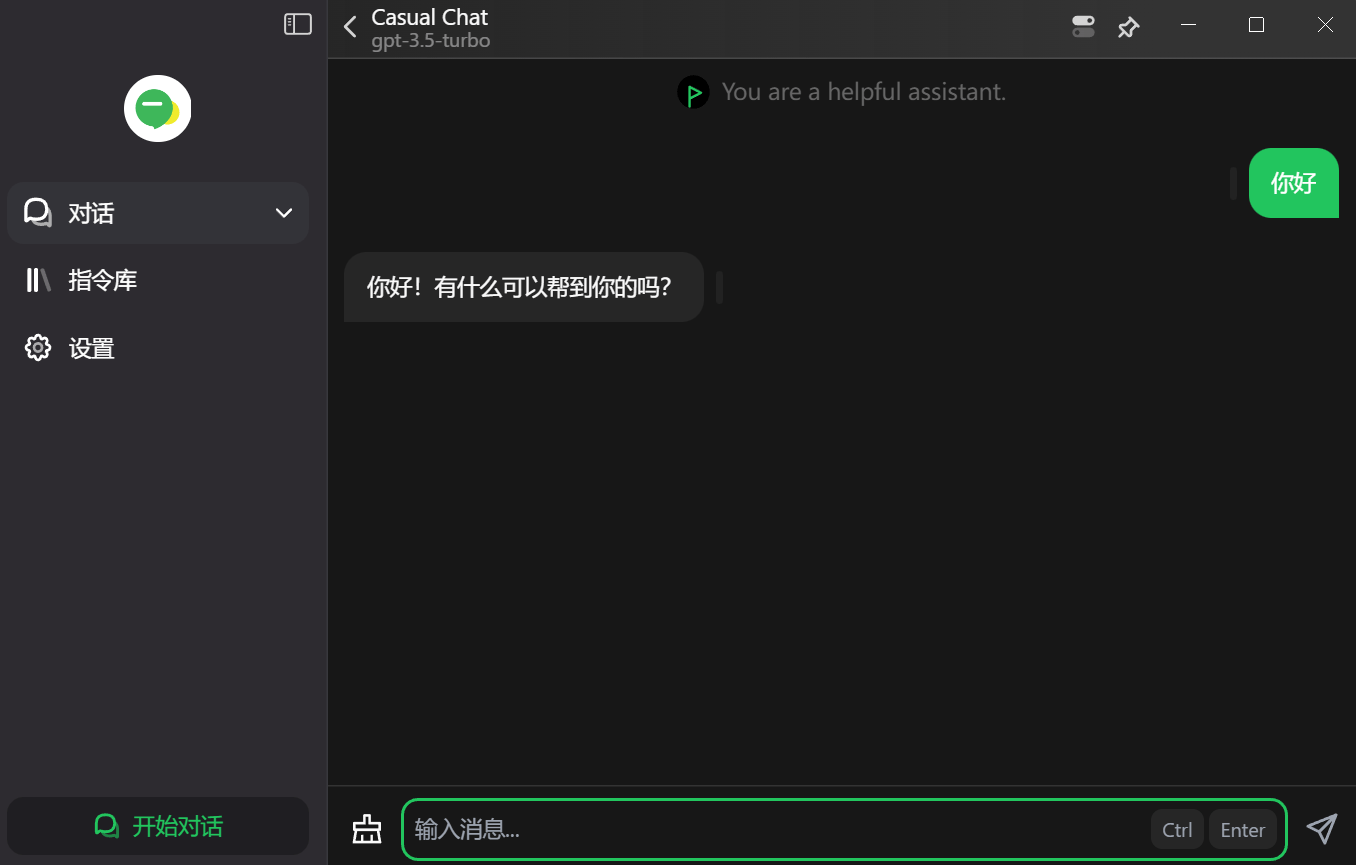
After completing the configuration, click "Check Connection" to test if the connection is normal. If it is, click "Save" to save the settings. Then, you can enter the chat interface to communicate through the AI models proxied by GeekAI:
Note: Do not include a trailing slash (/) at the end of the interface URL.
After completing the configuration, click "Check Connection" to test if the connection is normal. If it is, click "Save" to save the settings. Then, you can enter the chat interface to communicate through the AI models proxied by GeekAI: