> ## Documentation Index
> Fetch the complete documentation index at: https://docs.geekai.co/llms.txt
> Use this file to discover all available pages before exploring further.
# Continue
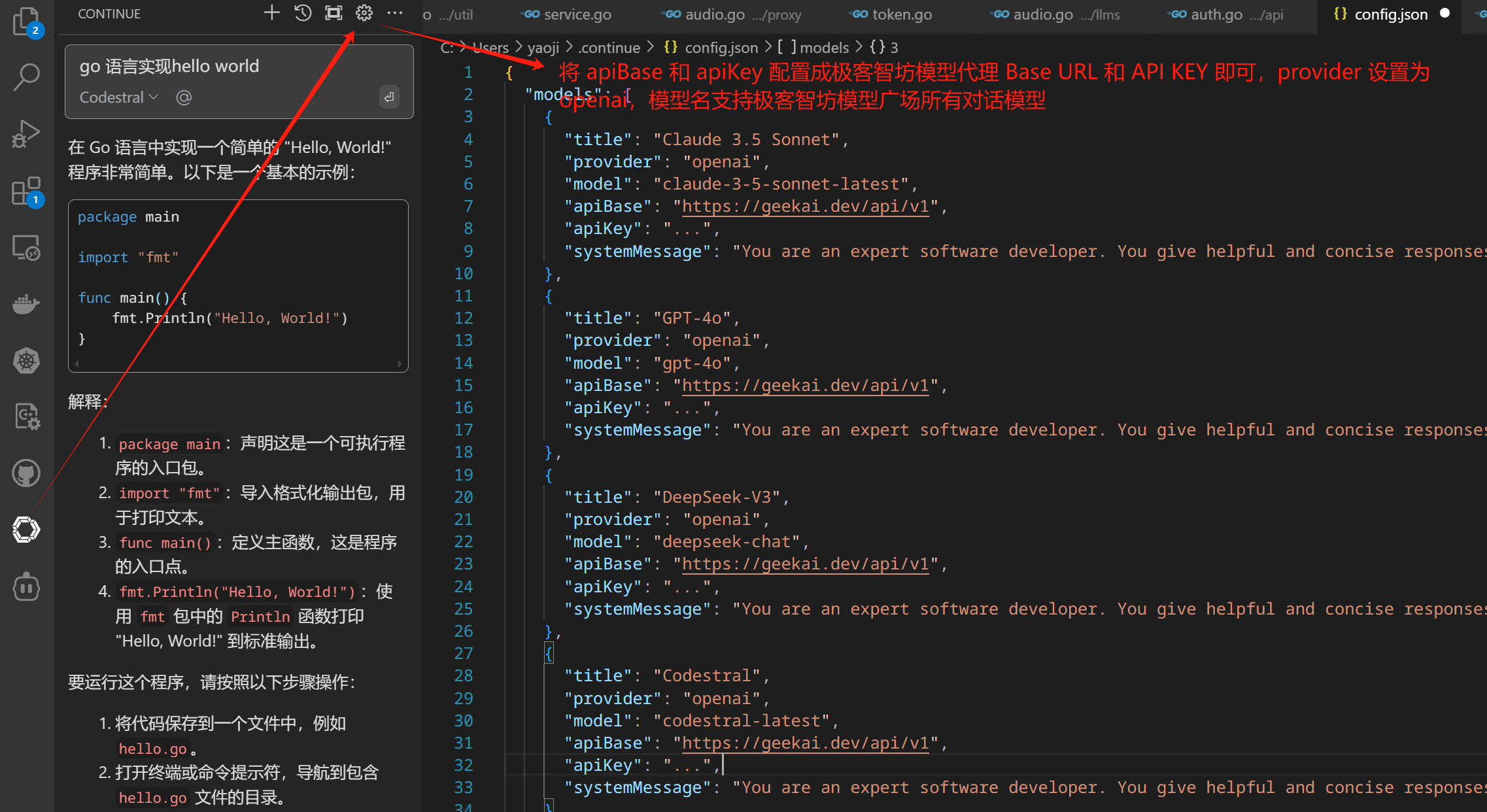
After installing the Continue extension in VS Code, open the Continue configuration file and configure the GeekAI model proxy Base URL and API KEY using the OpenAI-compatible provider method:
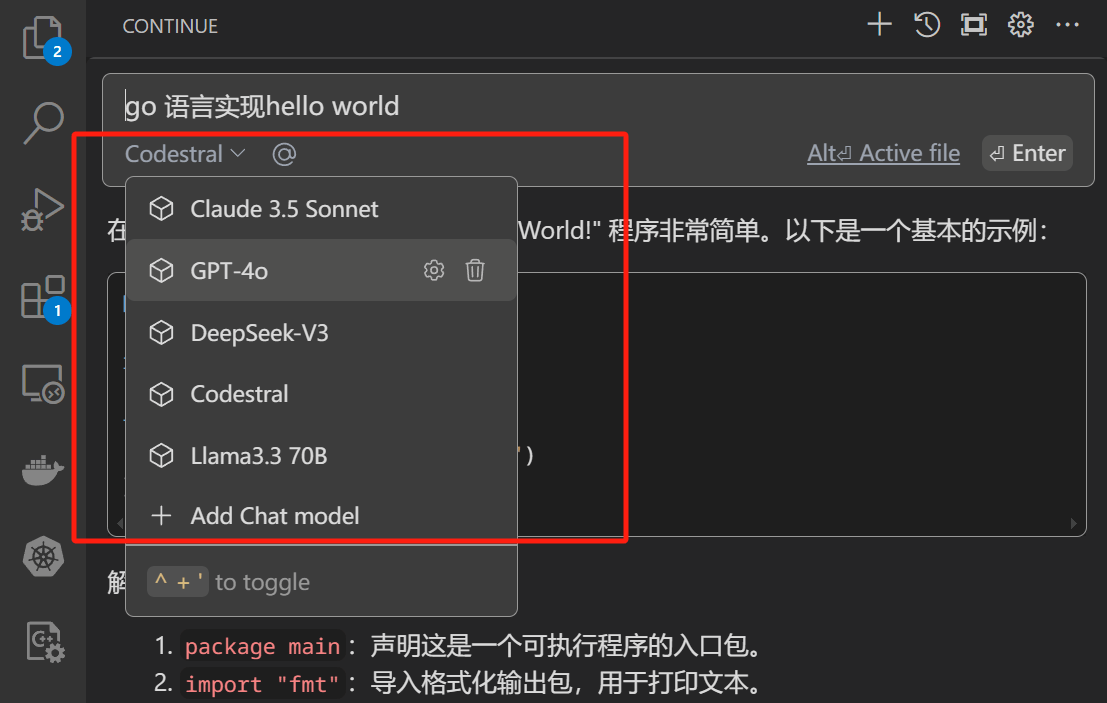
 Once configured, you can use Continue in VS Code through GeekAI's model proxy service. You can select the models configured in the configuration file from the model dropdown box:
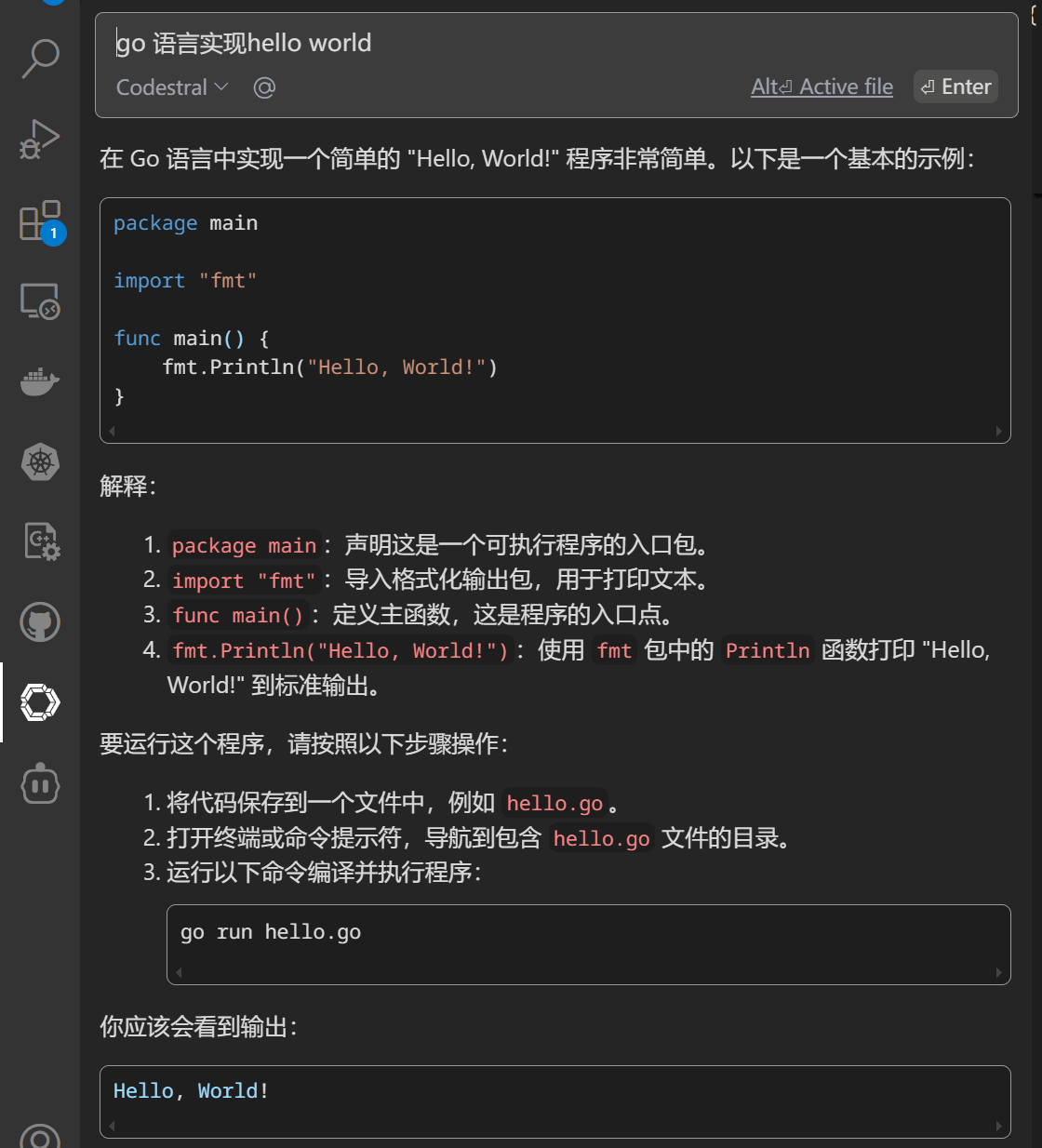
 Then, enter your question to receive an answer:
 For more information on using Continue, please refer to the [official documentation](https://docs.continue.dev/).