> ## Documentation Index
> Fetch the complete documentation index at: https://docs.geekai.co/llms.txt
> Use this file to discover all available pages before exploring further.
# Coze
We have released the official GeekAI plugin to the [Coze Plugin Store](https://www.coze.cn/store/plugin/7470533618771804212), making it convenient for you to use the AI model proxy service provided by GeekAI when creating bots/applications on the Coze platform:

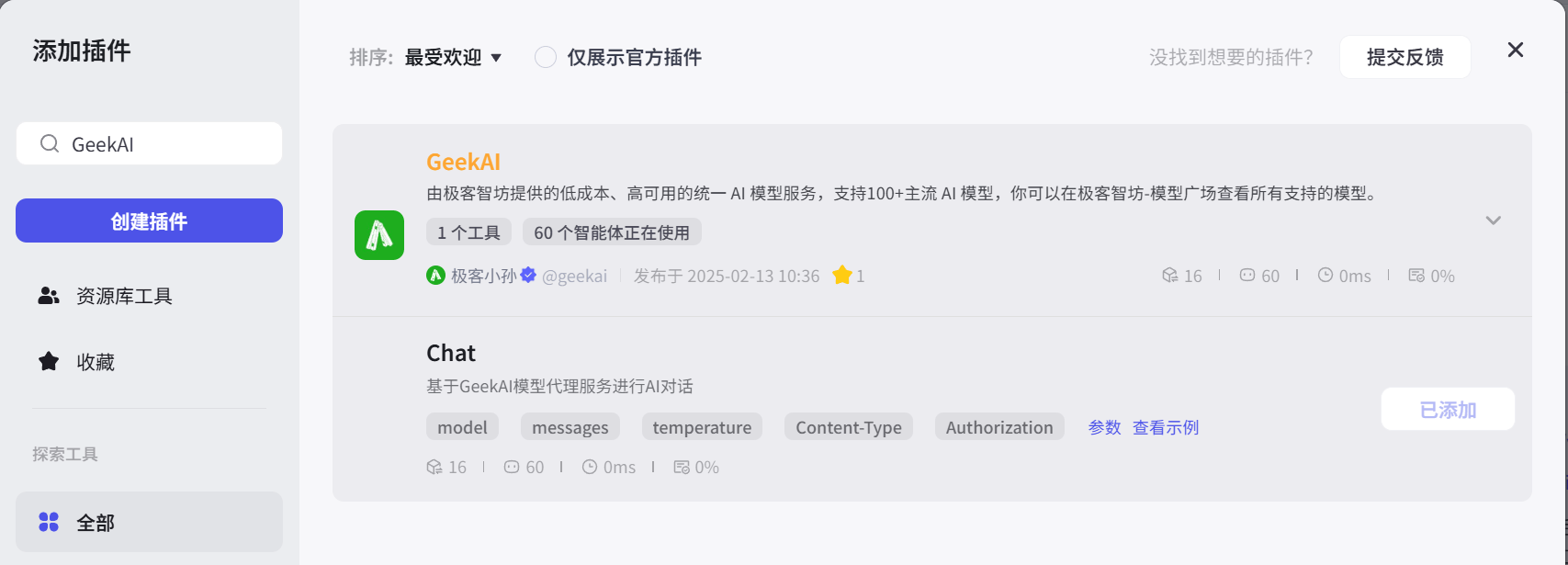
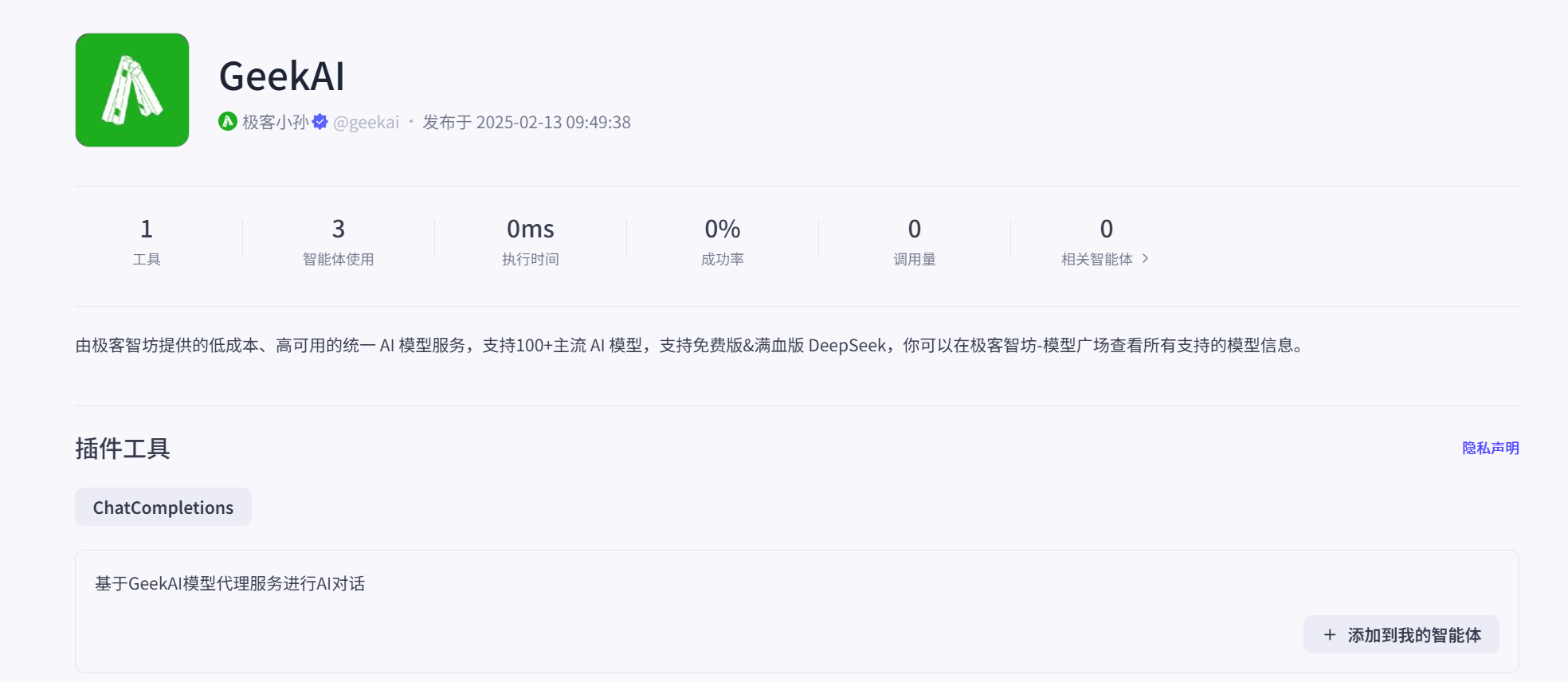 Taking the creation of a bot in Coze as an example, we can add GeekAI as a plugin to provide low-cost model proxy services for bot conversations:
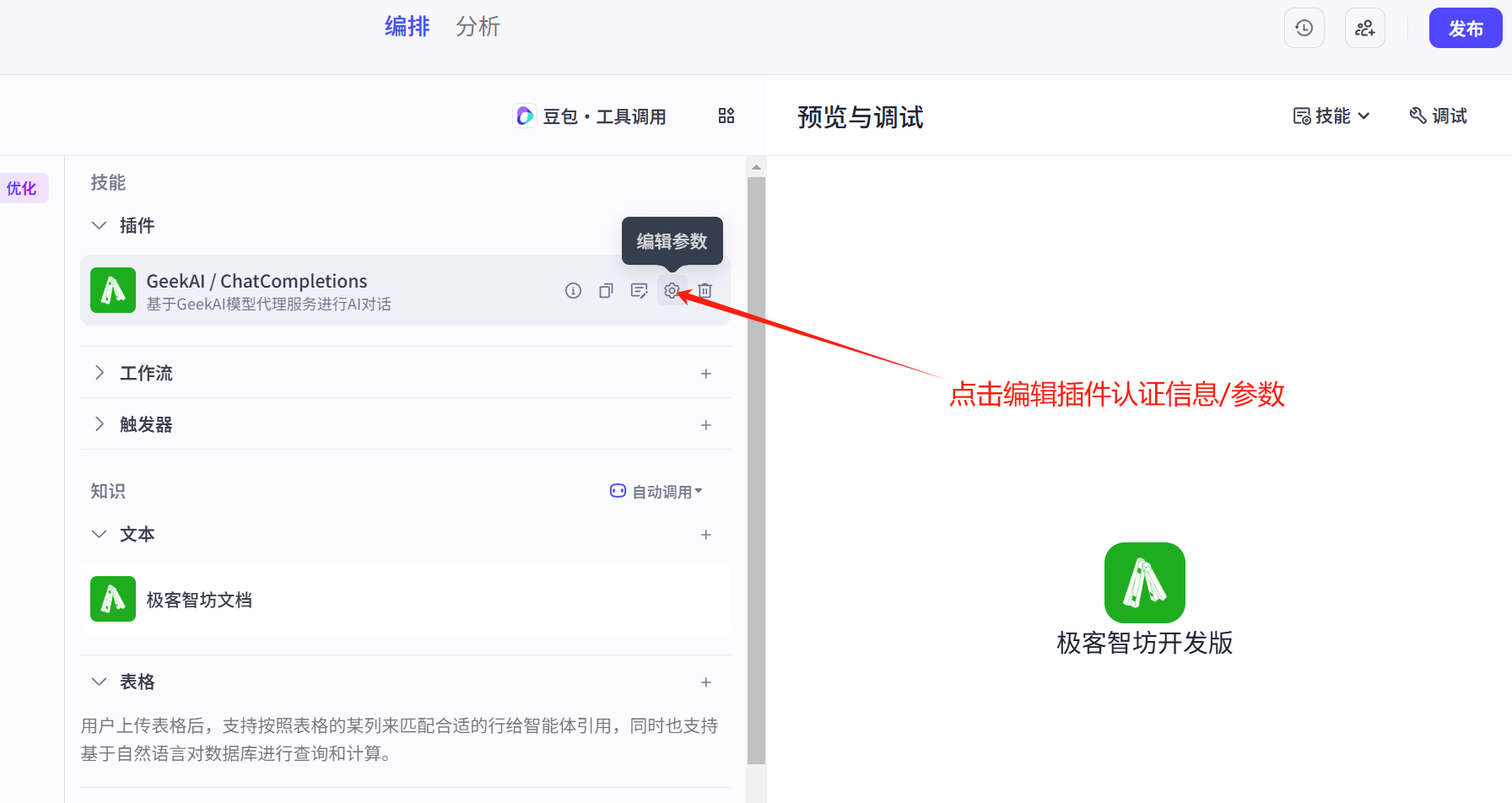
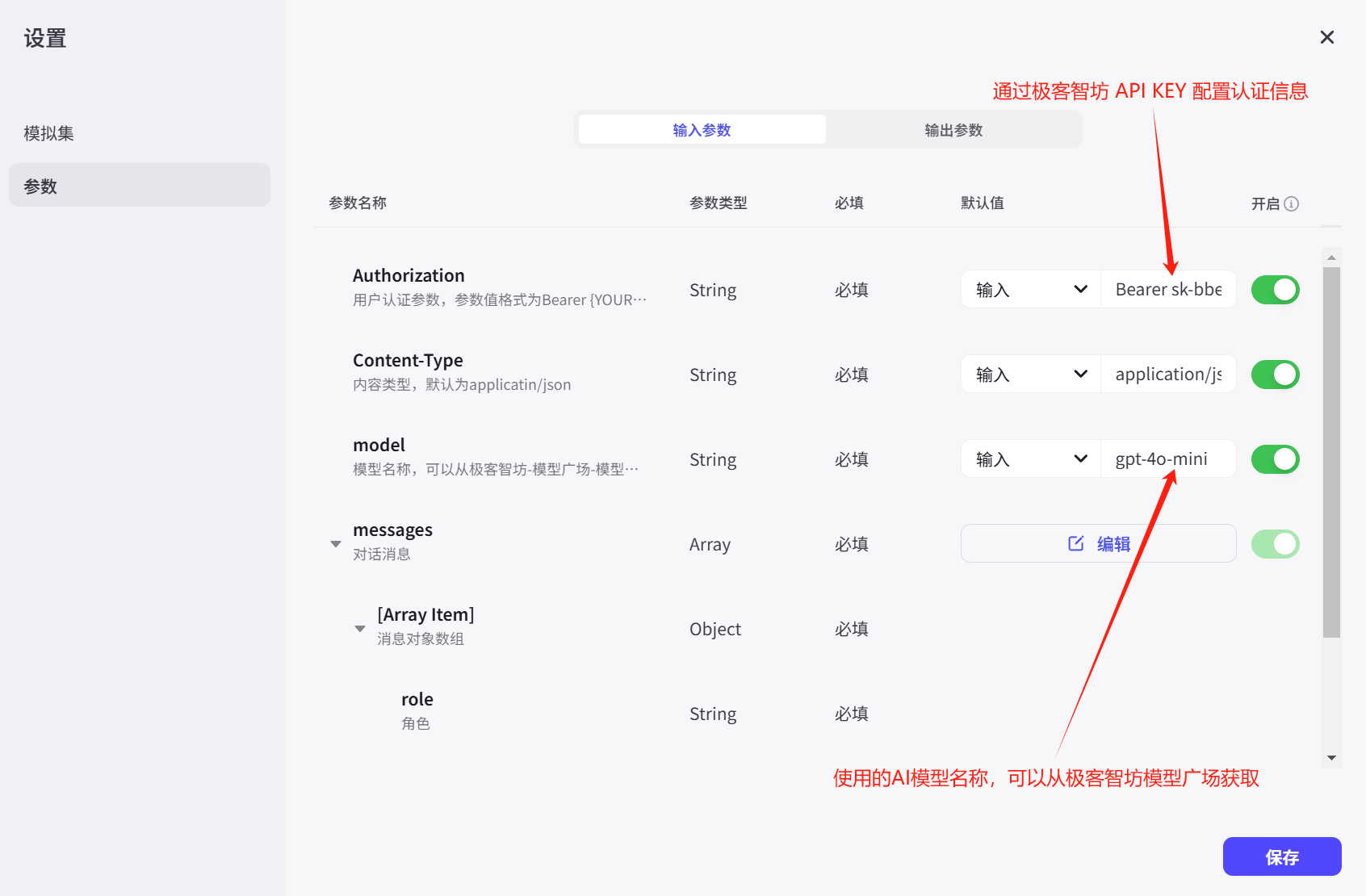
 We need to fill in the GeekAI API KEY in the plugin parameters for authentication and the model name to customize the conversation model used. You can also configure the temperature parameter to set a suitable response style for the bot:
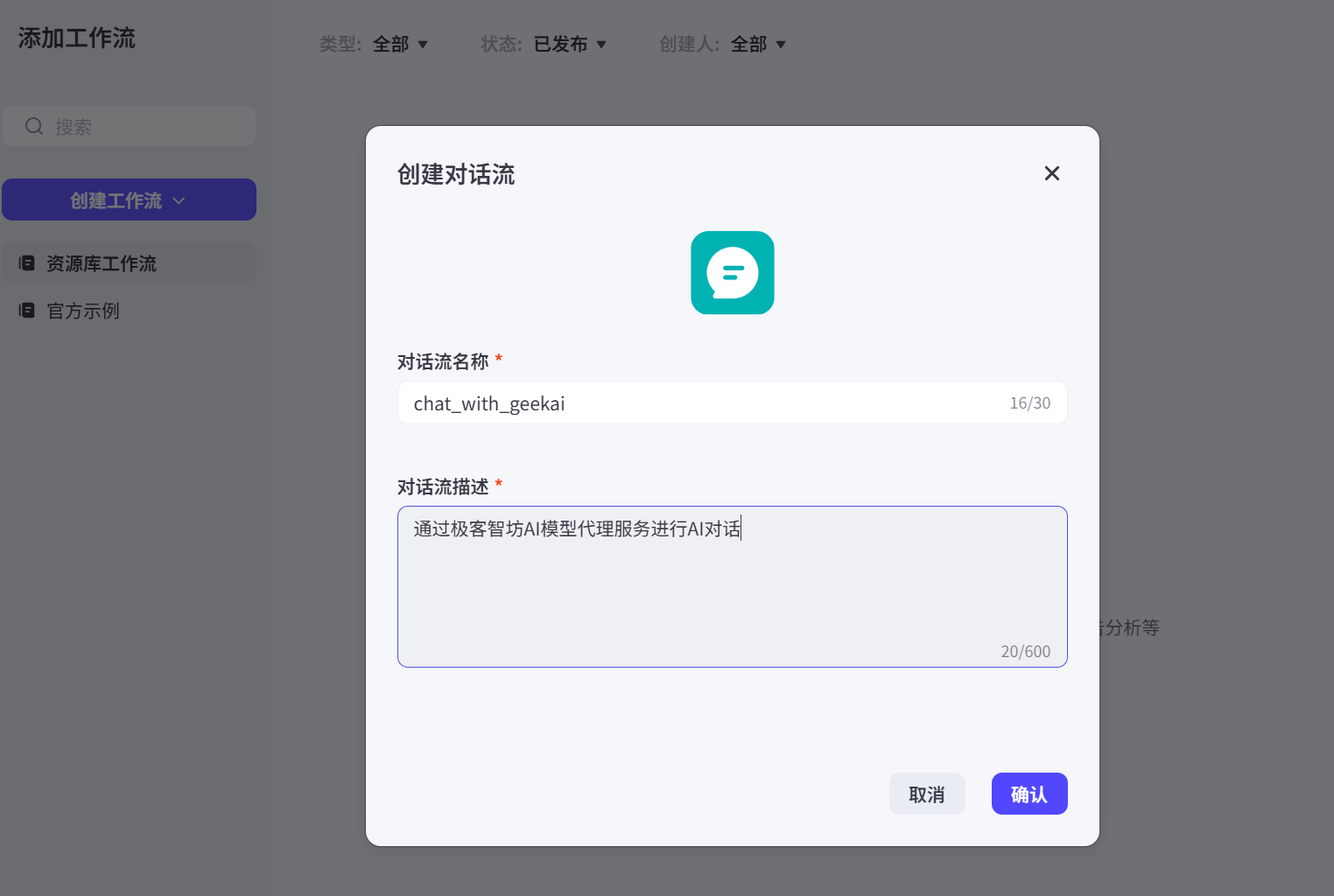
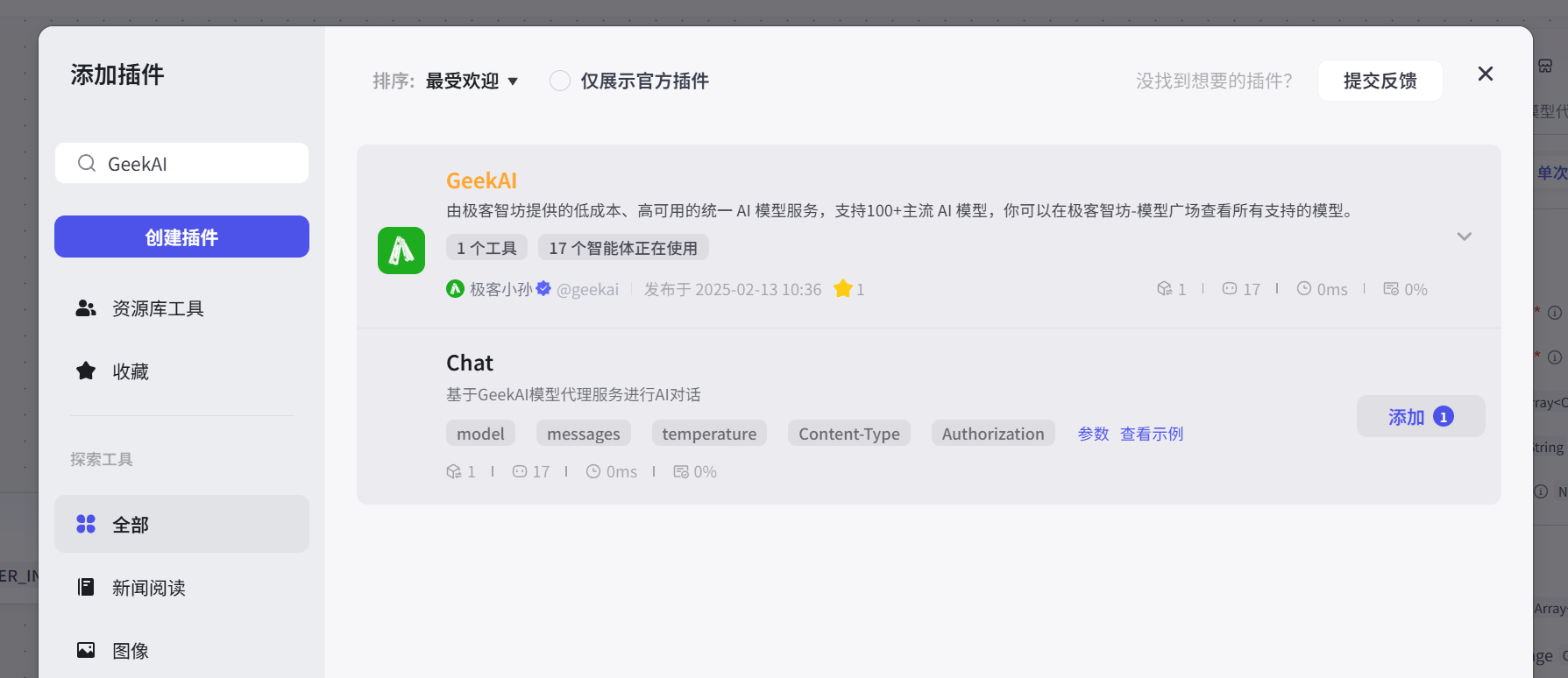
 You can also create workflows referencing the GeekAI plugin to accomplish more complex business logic:
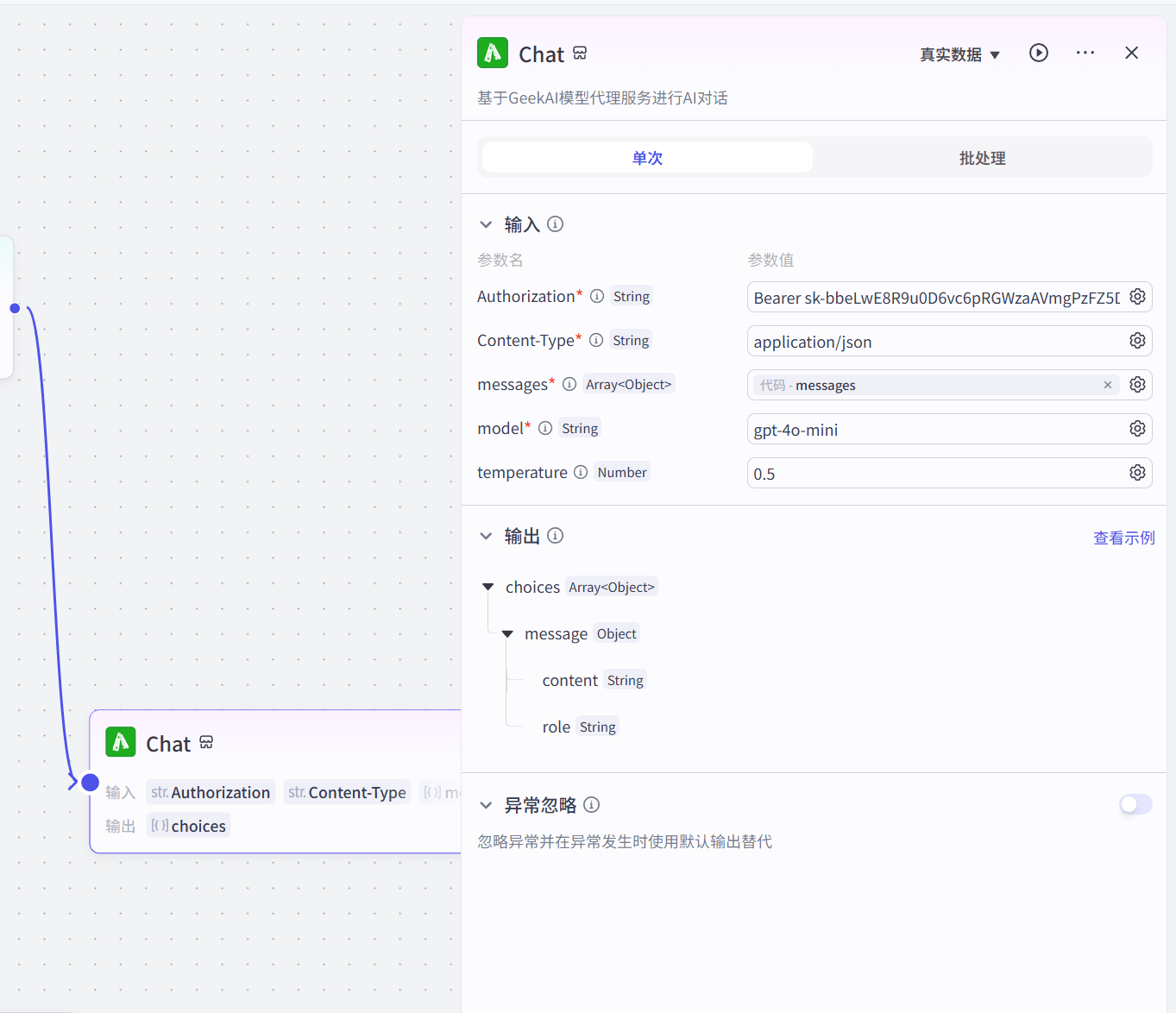
 Similarly, you need to configure the authentication parameters and model information:
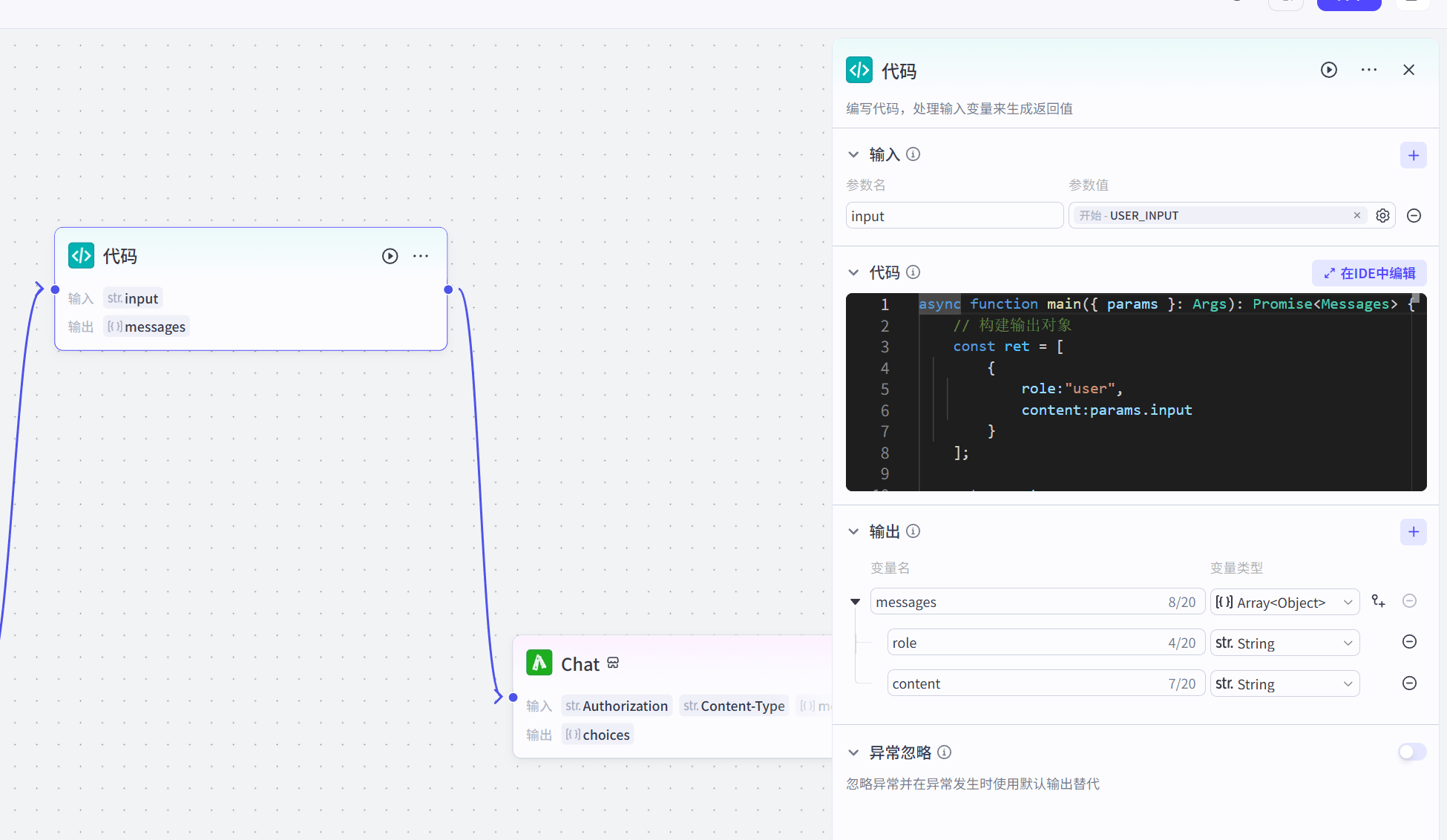
 In addition, in order to process input and output messages correctly, we also need to use code to handle the input message data structure:
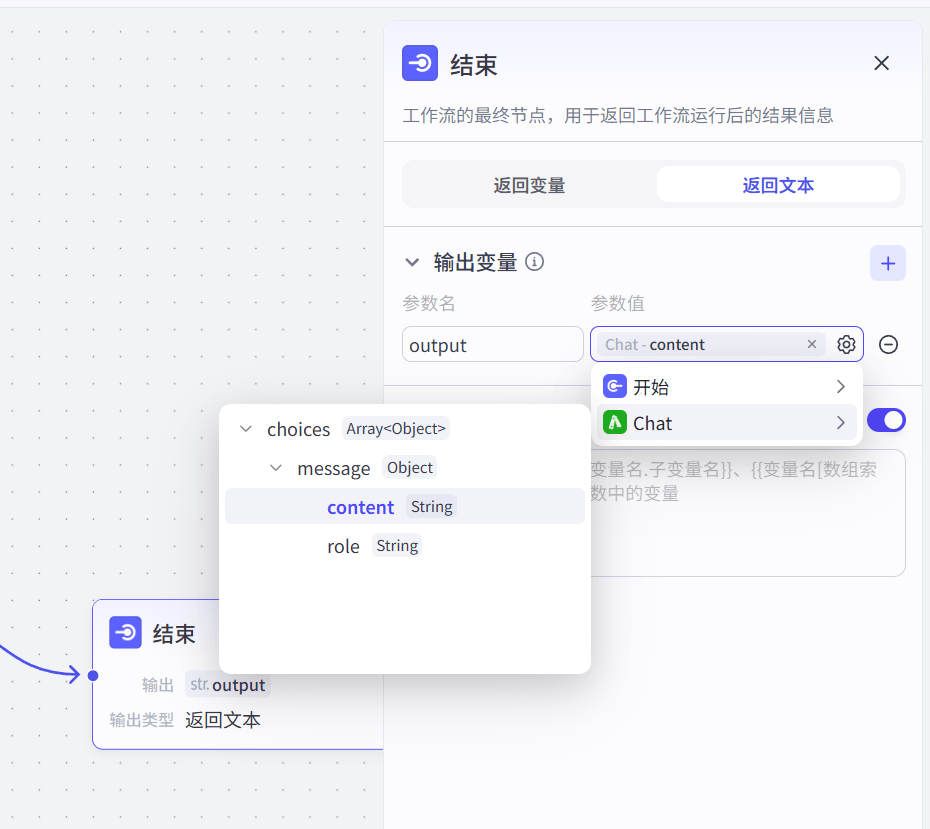
 And obtain the AI response message output in the end node:
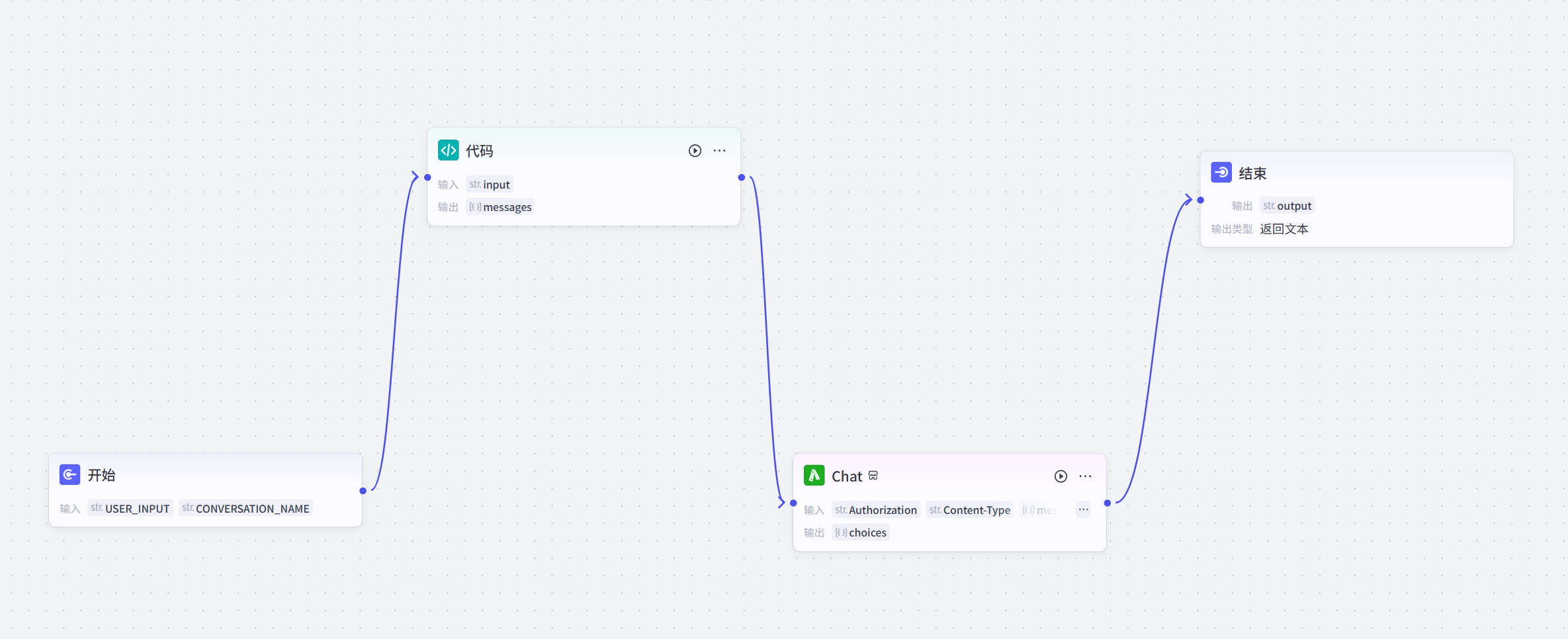
 The complete workflow configuration is as follows:
 Once configured, you can use the GeekAI model proxy service for Coze bot conversations: