> ## Documentation Index
> Fetch the complete documentation index at: https://docs.geekai.co/llms.txt
> Use this file to discover all available pages before exploring further.
# OpenAI Translator
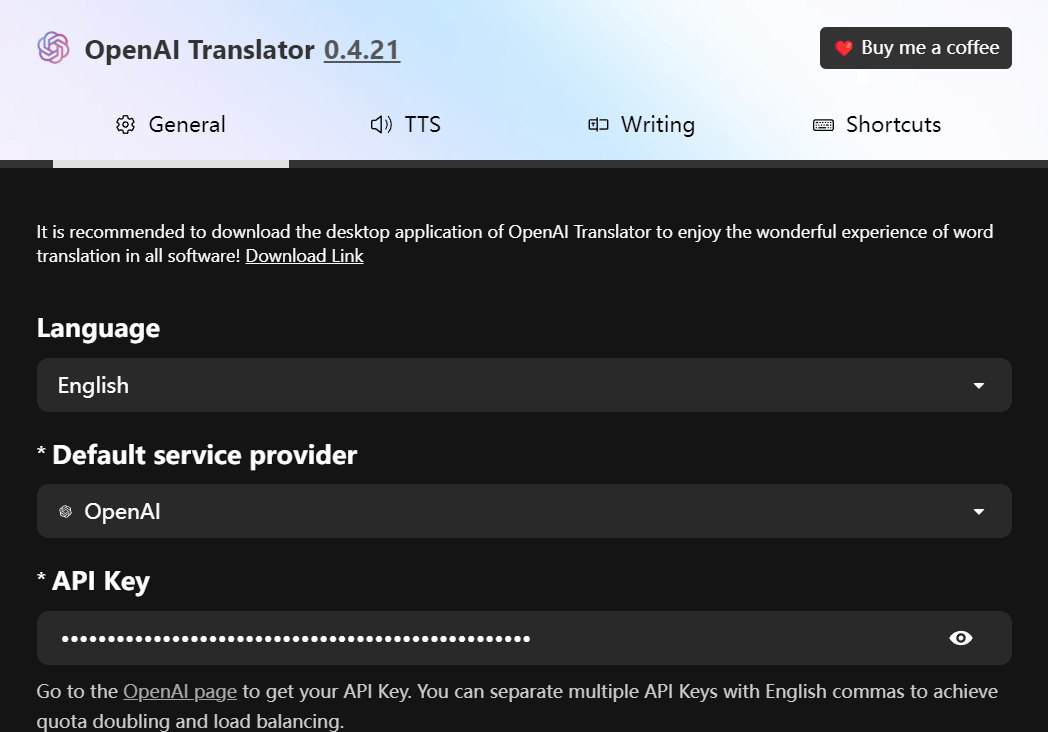
Open the [OpenAI Translator](https://chromewebstore.google.com/detail/openai-translator/ogjibjphoadhljaoicdnjnmgokohngcc) browser extension settings interface and enter the GeekAI API URL and API\_KEY:
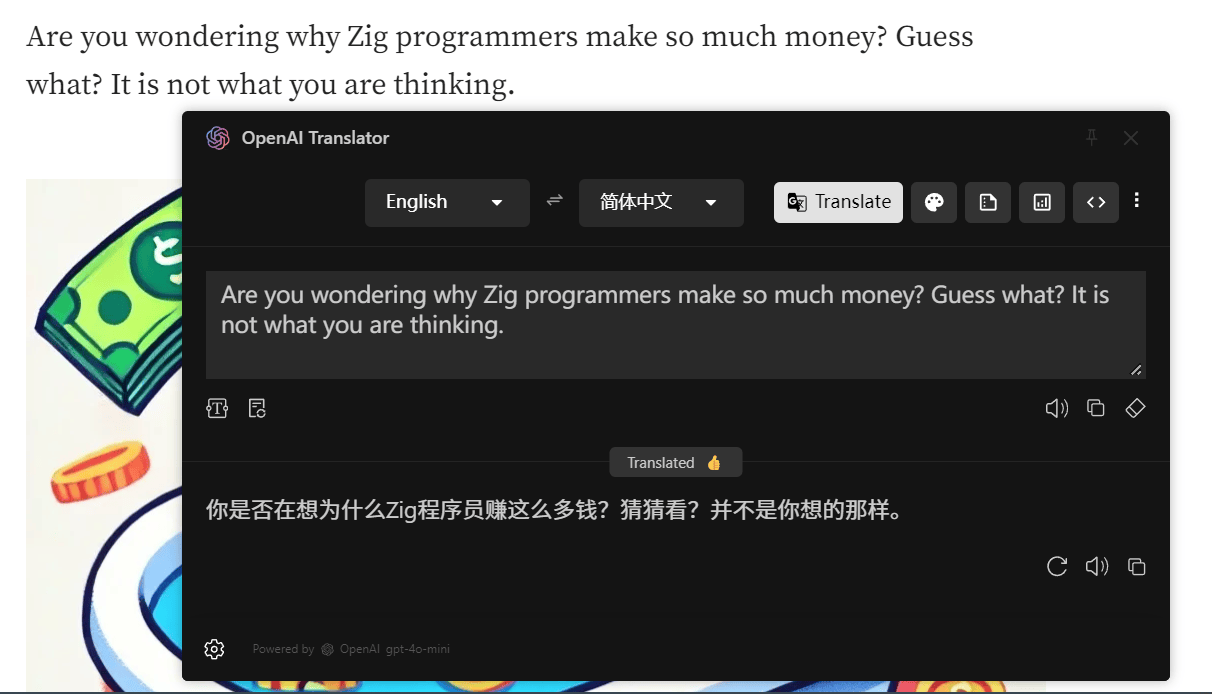
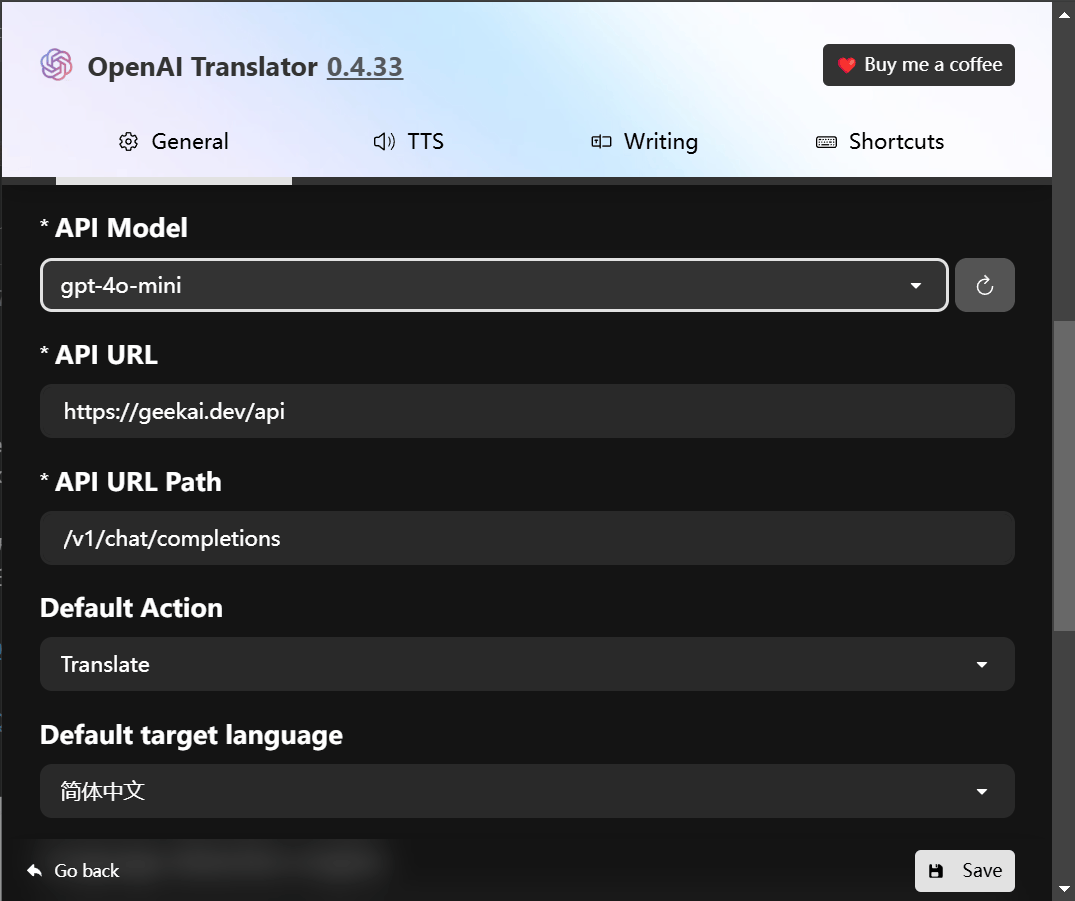 After completing the configuration, click Save to save the settings. You can then translate on browser pages through GeekAI's proxied OpenAI models: