
Models with native search
In the model catalog, filter byWeb Search to find models with native web search or an official built-in search tool.
Model names marked for web access, search, deep search, deep research, or deep reasoning indicate native search. Examples include the web-enabled GPT-5, GPT-4o, and GPT-4o mini variants, Grok 3 Deep Reasoning, Jina Deep Search, and DeepSeek with Metaso search. Search is already on for these models; you can skip the setup below:
gpt-5-search-apigpt-4o-search-previewgpt-4o-mini-search-previewo3-deep-researcho4-mini-deep-researchdeepseek-searchdeepseek-r1-searchdeepseek-r1-metasearchgemini-2.5-flash-deepsearchgemini-2.5-pro-deepsearchqwen-deep-researchgrok-3-deepsearchsonarsonar-reasoningsonar-reasoning-prosonar-deep-researchjina-deepsearch-v1
Enable web search
Setenable_search to true in a Chat API request. GeekAI automatically uses the model’s built-in search tool if it has one. Otherwise, it uses a third-party AI search engine to add web results to the context:
usage in the response for usage. The model catalog lists prices for native search and third-party search engines. See your billing history for individual charges.
Choose a search engine
For models without native search, GeekAI adds context using a third-party search engine. The default is Zhipu’s free basic search,glm-search-std. To select another engine, set engine in search_config:
curl
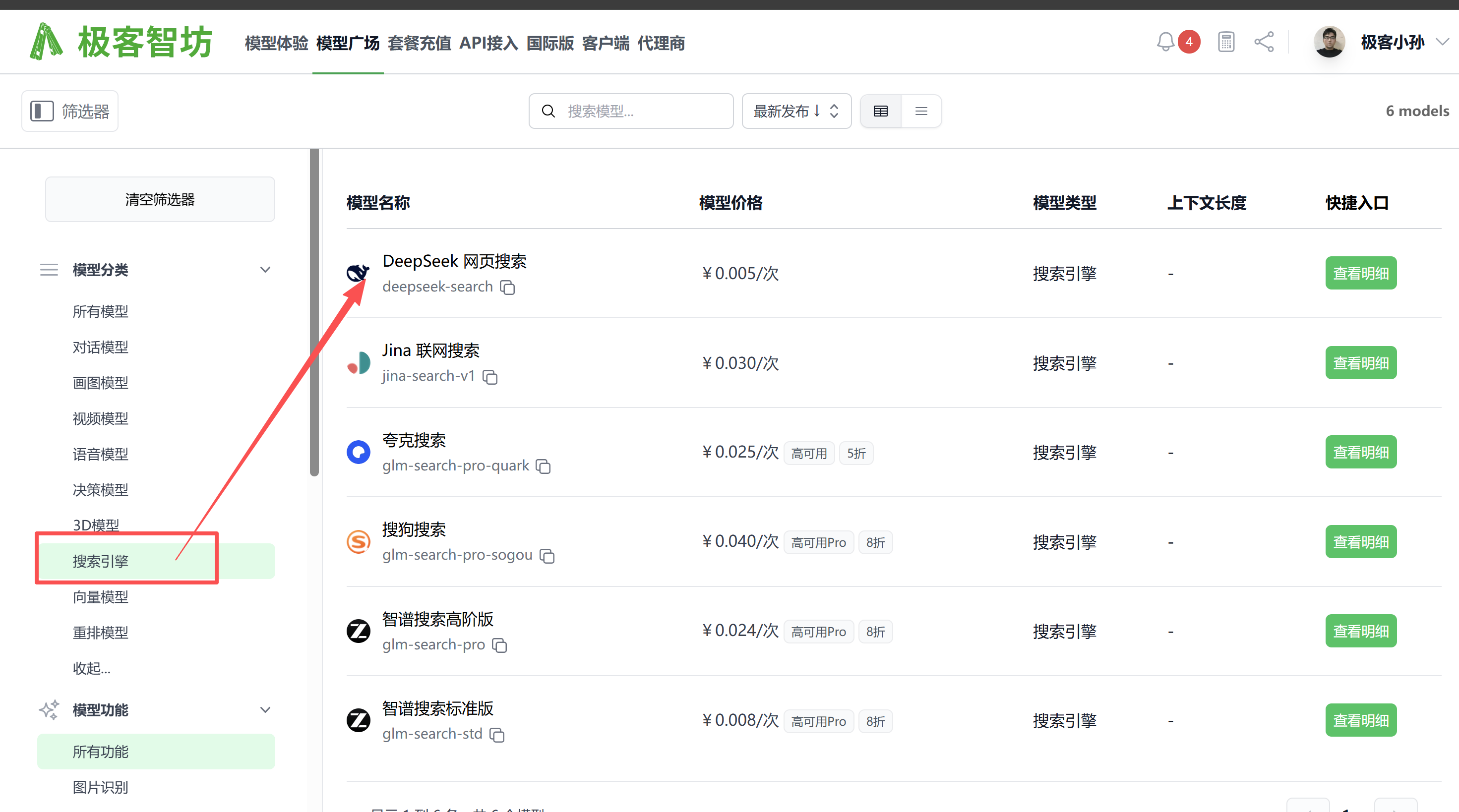 For details on
search_config, see the API reference.
Call the web search endpoint
For finer control over how searches are configured and run, use the standalone web search endpoint:curl
results response field: