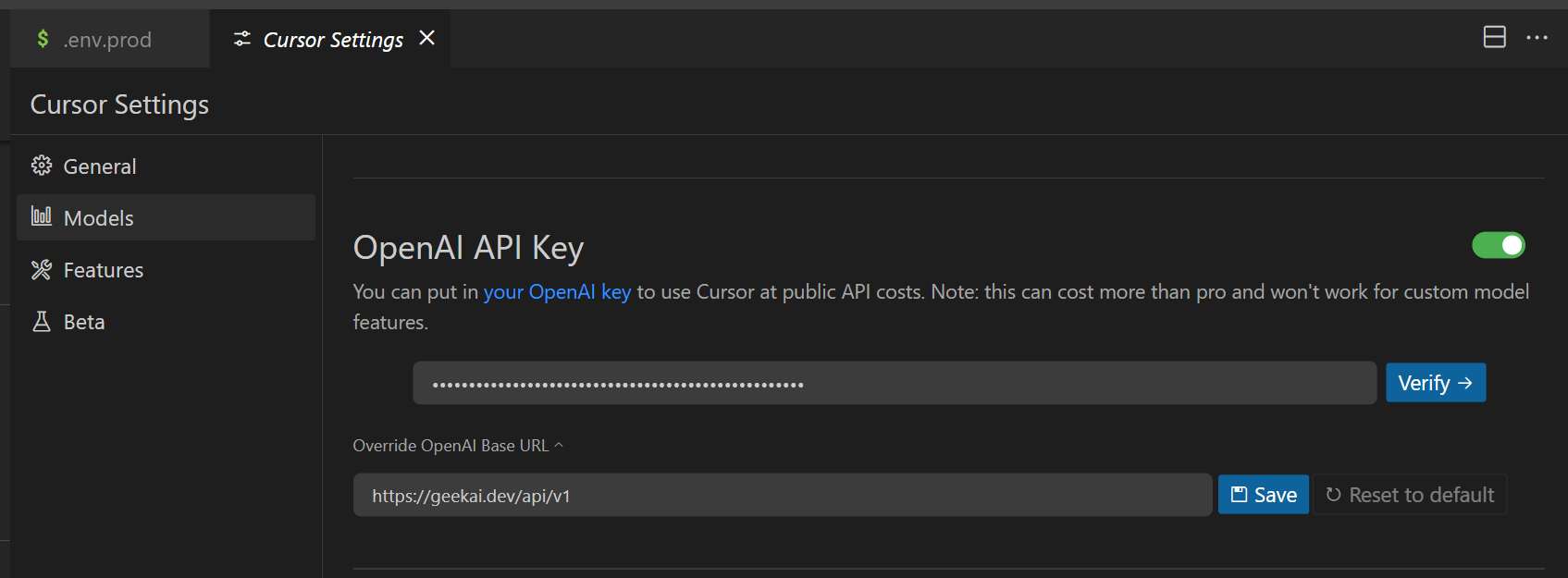
Note: The API URL must include the
/v1 suffix.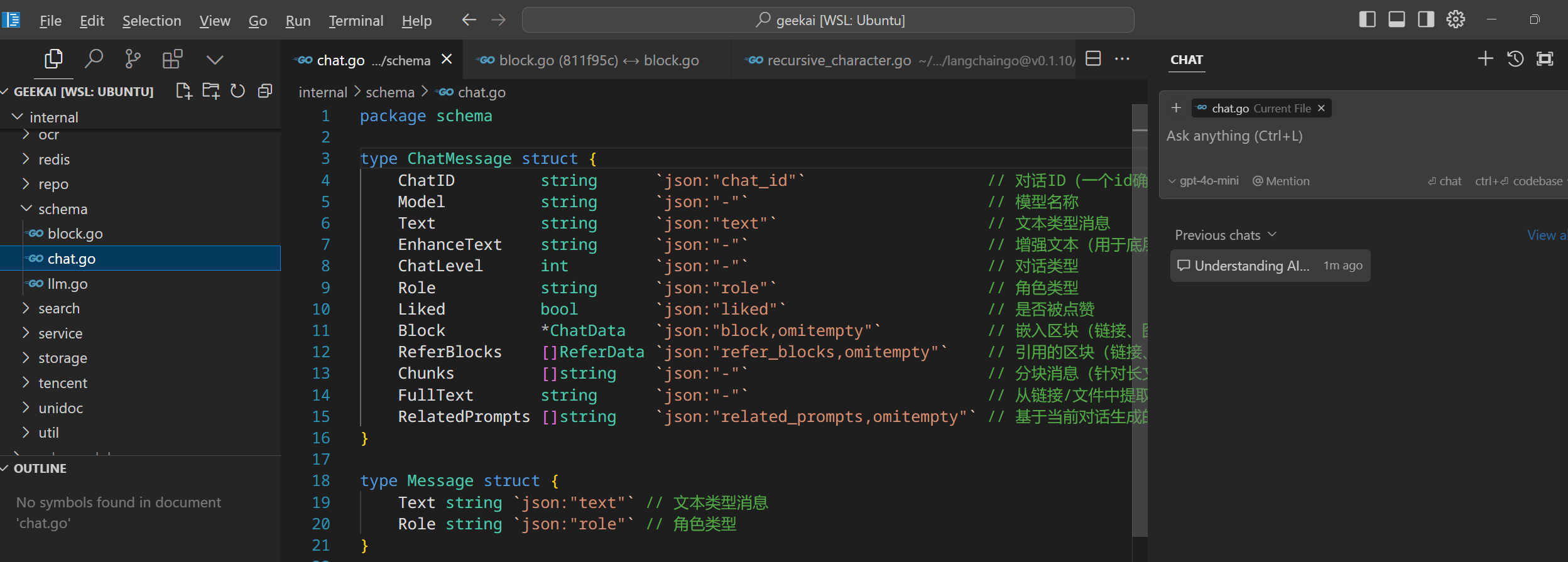 If you believe other models provide better code quality, such as Claude-3.5-Sonnet, but Cursor does not support custom Claude request URLs, you can achieve a workaround by using the custom model geekai-coder for forwarding:
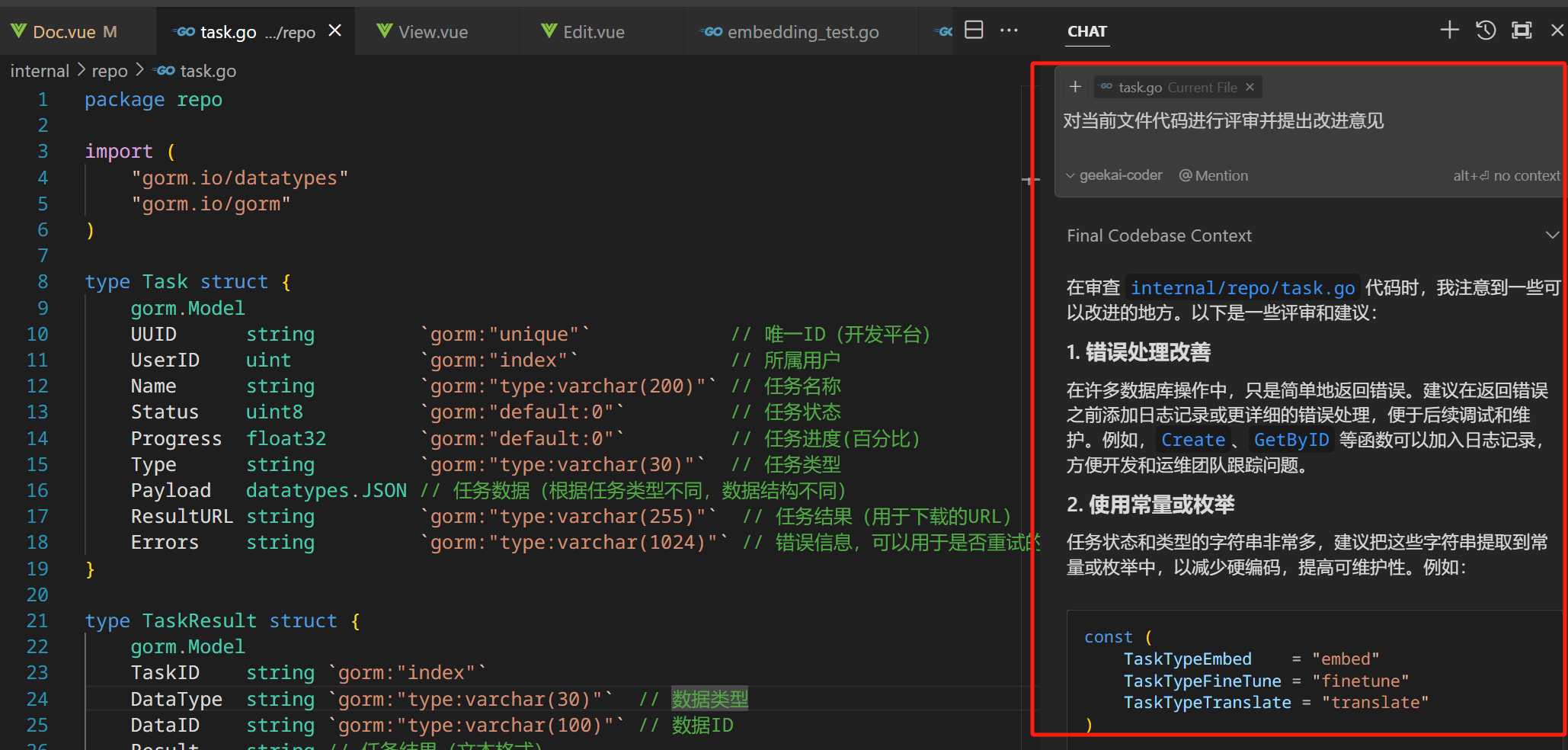
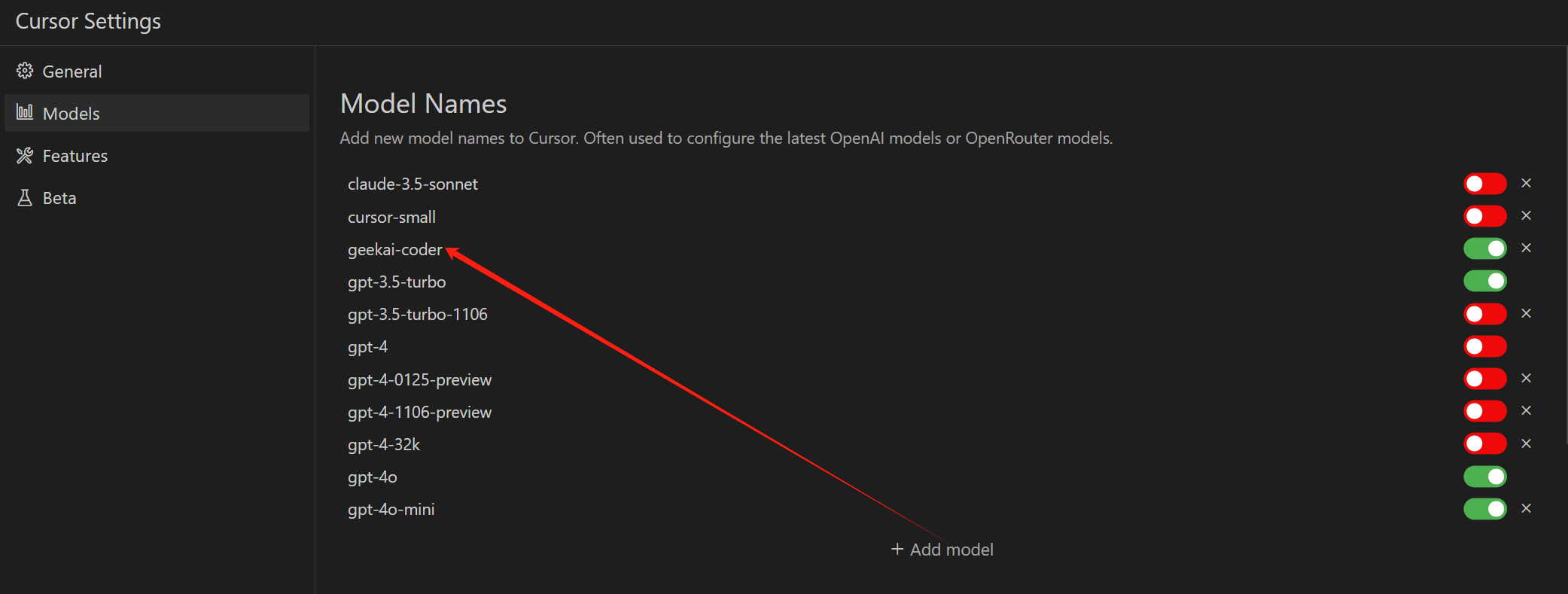 When GeekAI receives a request for this model, it will automatically forward it to the official Claude-3.5-Sonnet interface, allowing you to use it directly within Cursor: