
With
model set to gpt-5.3-codex, you must set wire_api to responses: GPT-5.3-Codex only supports the Responses API.env_key to GEEKAI_API_KEY, the name of the environment variable Codex will read. Do not put your actual API key in this field.
Save the configuration file, then set the key in your shell:
Replaceexportonly affects the current shell session. To persist these settings, add the commands to~/.bashrcor~/.zshrc, then runsource ~/.bashrcorsource ~/.zshrc.
<YOUR_GEEKAI_API_KEY> with your GeekAI API key. If you use the international base URL, obtain a key from GeekAI International.
The default balanced route is suitable for individual developers. For larger projects or faster, more stable responses, edit your key on the API Keys page and select the high-availability route.
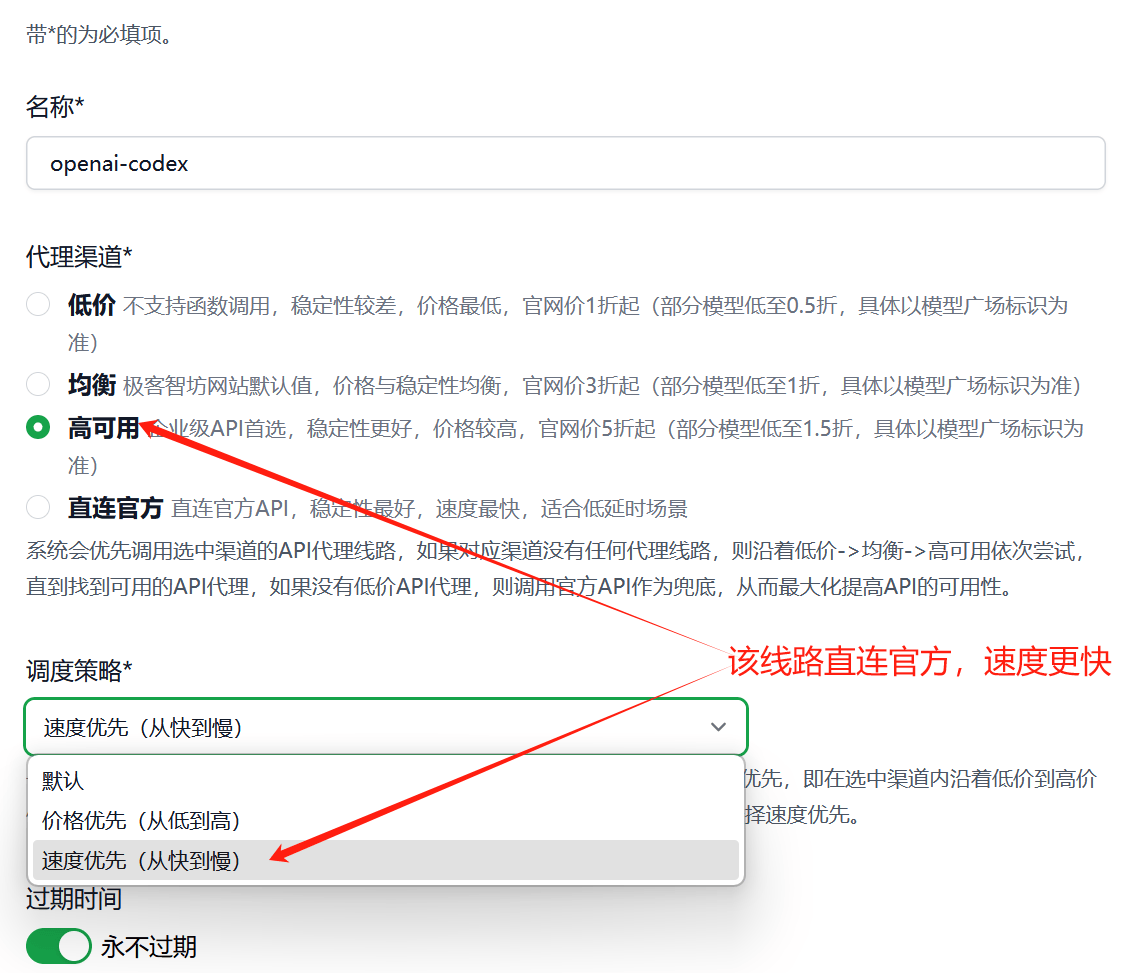 If cost matters more than availability, choose the low-cost route instead.
Start Codex CLI in the terminal:
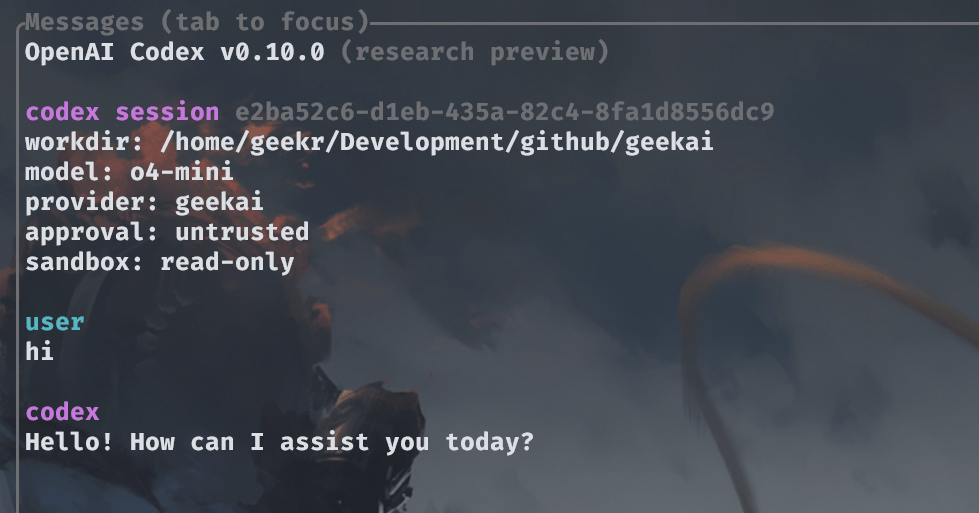 No further configuration is needed. Ask Codex for code suggestions or help with a programming problem:
