Installation
0. Prepare the environment OpenManus is written in Python. These instructions use Conda to manage the environment. On Ubuntu, install Conda with:This example uses Miniconda. Skip this step if you already have Anaconda.1. Create a Conda environment
The command uses a package mirror to speed up downloads in China.For installation help, join the GeekAI developer group.
Quick start
Before starting OpenManus, createconfig.toml in the config directory:
config/config.toml to set the model, base URL, and API key. For example:
Copy a key from the API keys page. GeekAI offers hundreds of models with discounted pricing and high availability; choose one from the model catalog.Start OpenManus:

Web UI
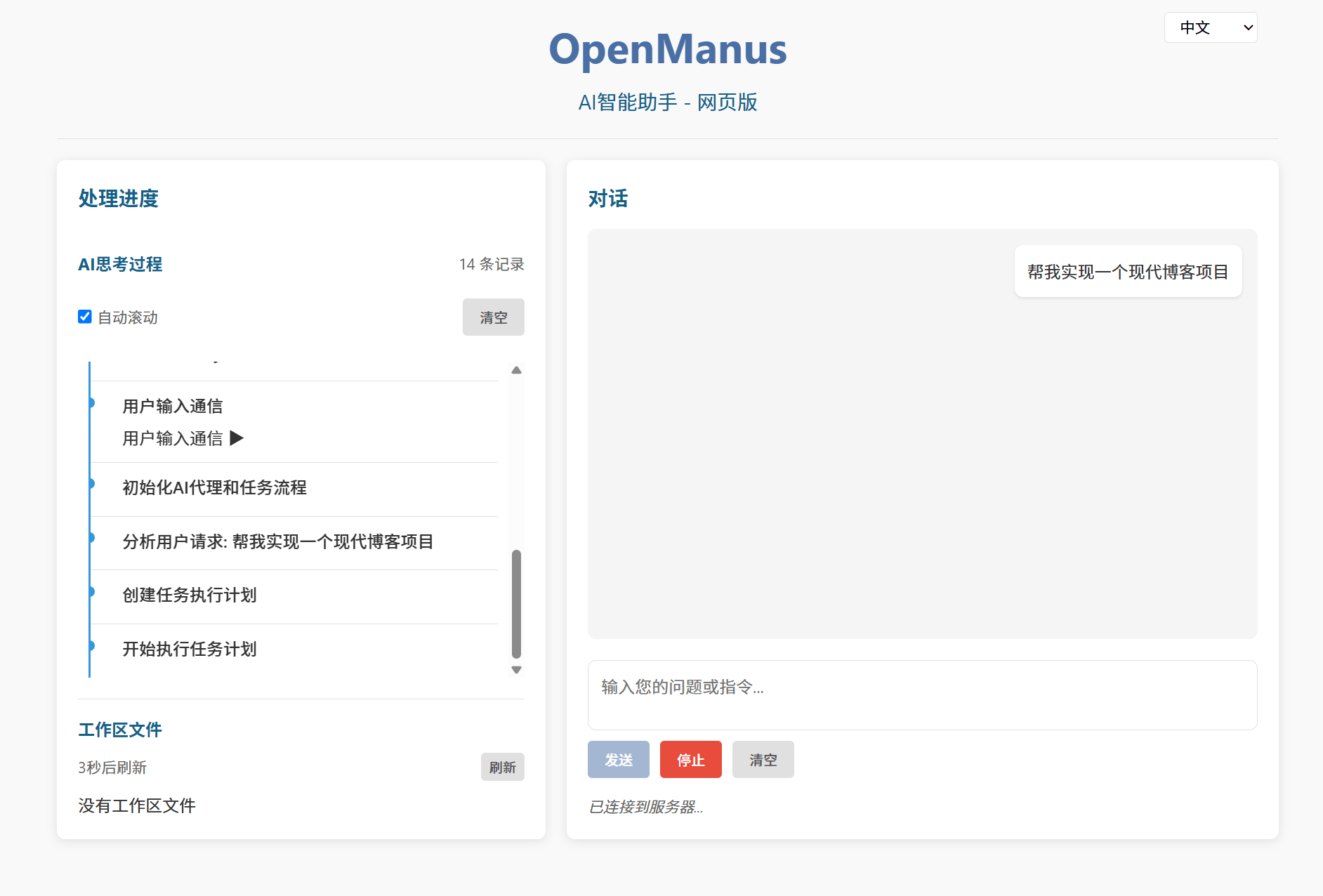
Community contributors maintain OpenManusWeb for use in a browser. If you have installed OpenManus, the setup is the same apart from the launch command. 1. Download the project and install dependencies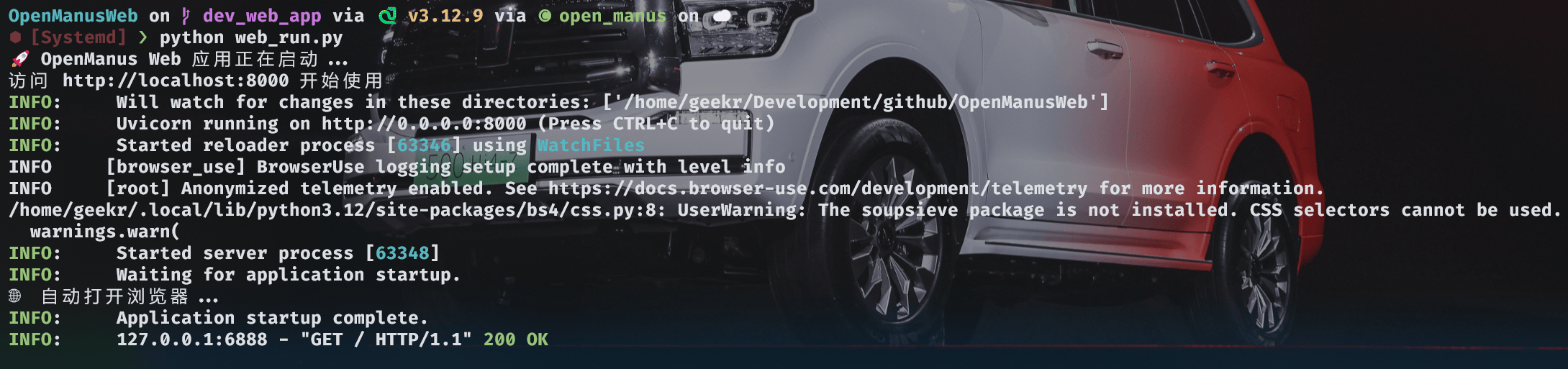 If it doesn’t open, visit
http://localhost:8000: