
GEEKAI_API_KEY environment variable to your own key (replace sk-xxxxxxxxxx). The requests below are templates: substitute the user’s prompt, media, and task ID for the corresponding placeholders before sending them.
HappyHorse-1.0
For all four video skills, allow up to 10 minutes. Whentask_status is succeed, return video_result[0].url. If generation fails, report the error from the response.
happyhorse-t2v: text to video
Generate a video from a text prompt:
images array, each encoded as data:{MIME_type};base64,{base64_data}:
image using the same base64 data URL format:
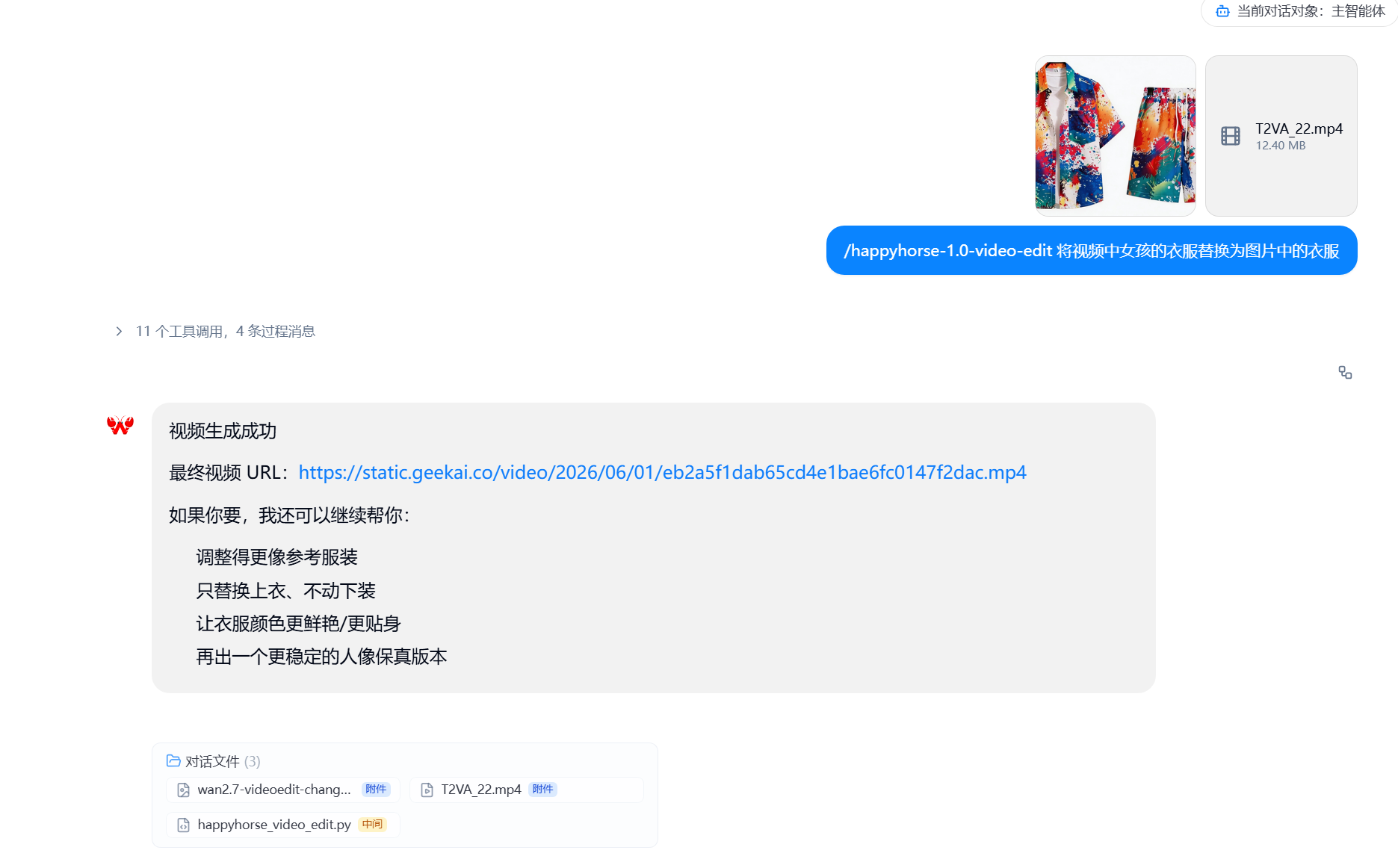
video. If the source video is local, upload it first. Pass the reference images as base64 data URLs in the images array:
kling-video-v3-omni
Choose one of three modes based on the input:- Text to video: Send the prompt without an image.
- Image to video: If there is an image but no sequence of shots, send it in
image. - Multiple shots: If the user supplies images and several shot descriptions, populate
extra_body.multi_promptandextra_body.image_list.
- Add the images to
extra_body.image_listin order. Each entry has animage_urland atype: usefirst_framefor the first image andend_framefor the end frame. - Add one
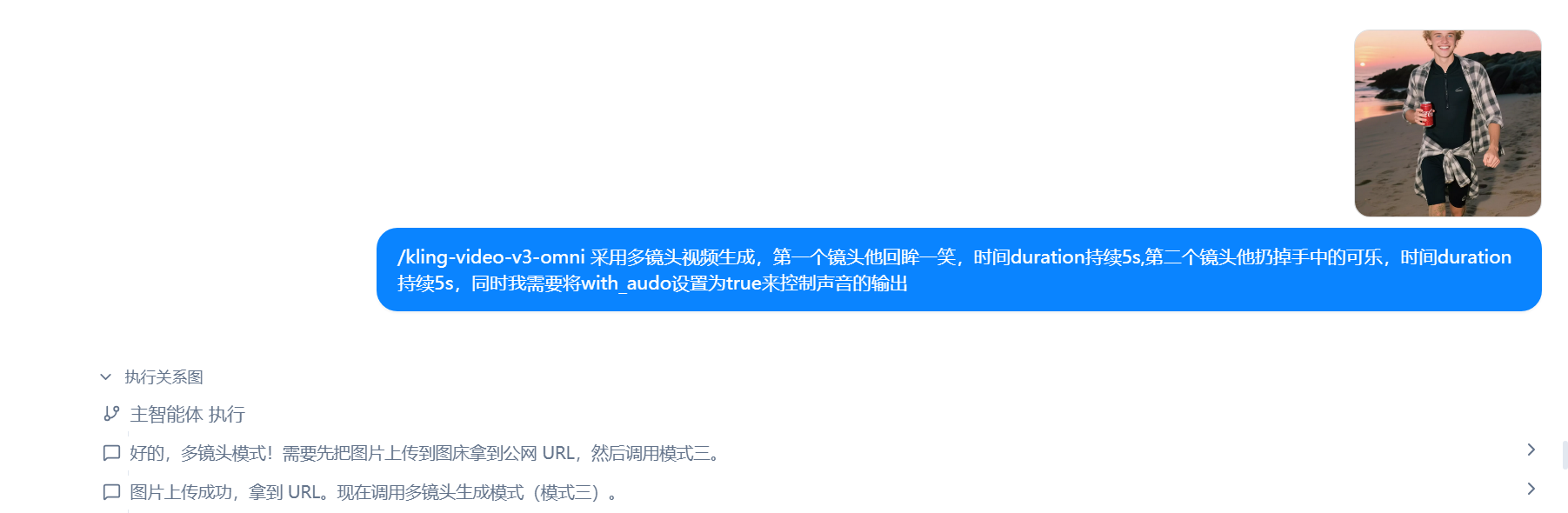
extra_body.multi_promptentry per shot, preserving the user’s order. Startindexat 1. Include the shot description inpromptand its length in seconds induration. - To reference an image in a shot prompt, use
<<<image_1>>>,<<<image_2>>>, and so on, matching the order ofimage_list. - Set the total
durationto the sum of the shot durations. Calculate it from the shots if the user did not specify a total.
image and image_url, pass public URLs directly. If an image is local, upload it to obtain a public URL first (for example, with litterbox.catbox.moe). Allow 10 minutes and use GEEKAI_API_KEY for authentication. On success, return video_result[0].url; otherwise report the generation error.
kling-video-v3
Use text-to-video for a prompt alone, image-to-video for an image and one prompt, or multi-shot mode for an image with several shot descriptions:extra_body.multi_prompt in order. Give each an index starting at 1, a descriptive prompt, and a duration in seconds. Set the top-level duration to the sum of the shot durations. Pass a public URL in image; upload local images first. Use GEEKAI_API_KEY, allow 10 minutes, and return video_result[0].url when task_status is succeed. If the request fails, return the error message.
Both Kling models require publicly accessible image URLs. If
litterbox.catbox.moe is unavailable, you can obtain a URL with the GeekAI file upload API.Doubao-Seedance-2.0
Create adoubao-seedance-2.0 skill that generates videos asynchronously and queries the result. Choose the mode based on how the user wants to use the media:
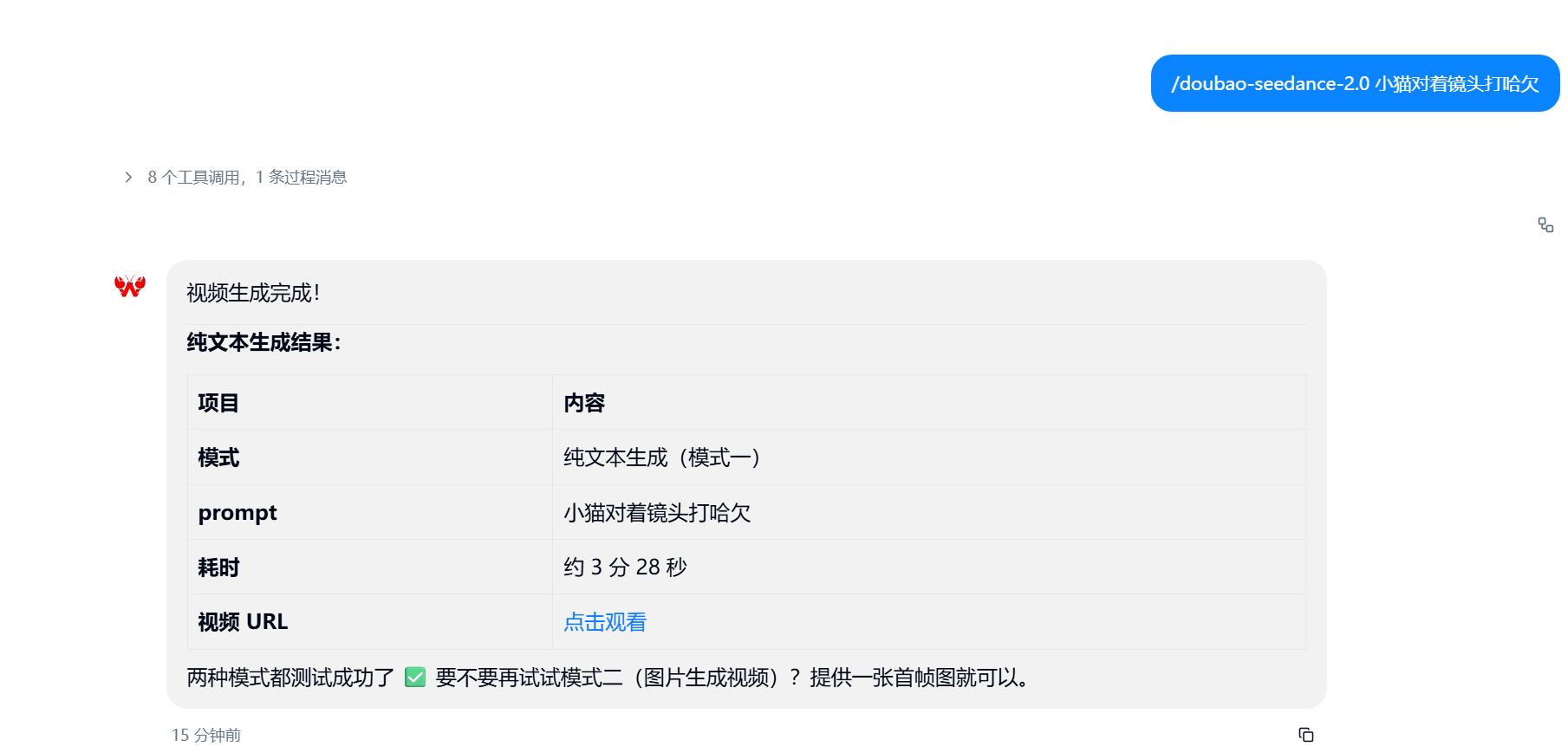
- Text only: Send the prompt without media.
- First or first/last frame: Pass the first frame in
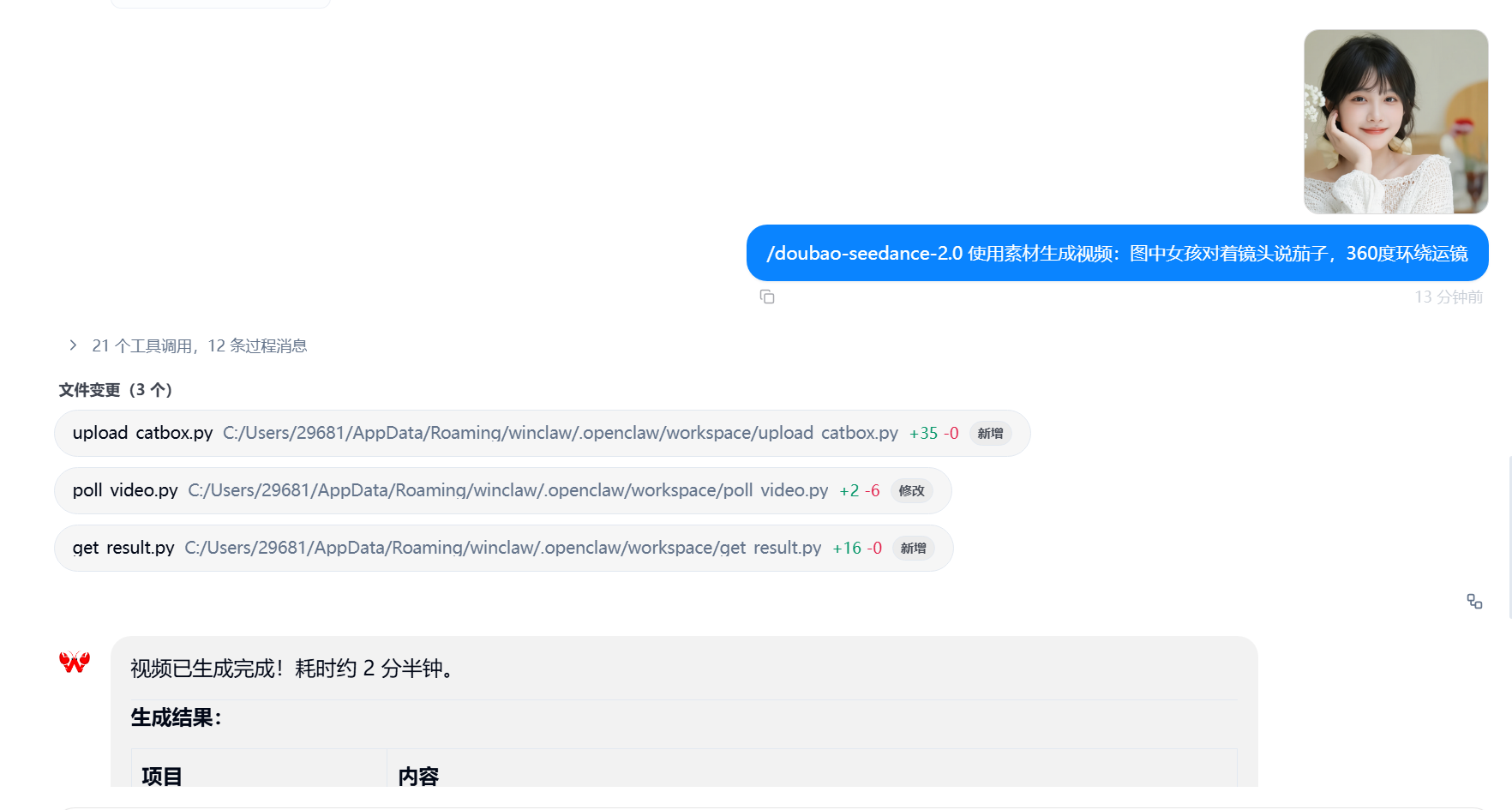
imageand the optional last frame inimage_tail. - Reference media: Use
imagesfor reference images, even for a single image. Send reference clips invideoand reference audio inaudio. Keep theimagesarray in the order used by the prompt’s@图1,@图2, and@图3references.
litterbox.catbox.moe.
Poll for the result:
- A
pendingresponse to the creation request means the task was submitted. Extracttask_idand use it in the query URL. Authenticate both requests with the sameGEEKAI_API_KEY. - Continue polling while
task_statusispendingorrunning. - On
succeed, returnvideo_result[0].url. Onfailed, report that video generation failed and return the error message. - Stop polling after 10 minutes. If the task is still processing, say so and return the
task_idso the user can check again later.
For
doubao-seedance-2.0-fast, use the same endpoint and parameters and change the model name. The images, image_tail, image, video, and audio fields require full public URLs. If necessary, obtain one with the GeekAI file upload API.Veo 3.1-Lite-Generate-Preview
Create a video generation skill forveo-3.1-lite-generate-preview:
image and image_tail. For image-to-video, put the first image in image and the optional second image in image_tail. Each can be an HTTP URL or raw base64 data without a data:{MIME_type};base64, prefix. Use GEEKAI_API_KEY and allow 10 minutes. When task_status is succeed, return video_result[0].url; otherwise report the error.
Nano Banana 2
Create anano-banana-2 skill using the gemini-3.1-flash-image-preview model:
text entry. For image-to-image, add an image_url entry to content. Its url can be an HTTP link or a data URL, for example data:image/png;base64,${base64_data}. For multiple inputs, append one entry per text or image to the content array. Allow five minutes and authenticate with GEEKAI_API_KEY. On success, return the first image URL (data[0].url); otherwise return the error.
GPT-Image-2
Create an image generation skill usinggpt-image-2:
image and images. For a single reference image, use image; for multiple images, use the images array instead. Each reference can be an HTTP URL or a base64 data URL of the form data:{MIME_type};base64,{base64_data}. Authenticate with GEEKAI_API_KEY, allow five minutes, and return data[0].url on success or the error message on failure.
To use
gpt-image-1.5, change only the model name.Doubao-Seedream-5.0-Lite
Create adoubao-seedream-5.0-lite image generation skill:
image. For image-to-image, pass one or more images in image, using an array for multiple references. Use HTTP URLs or data URLs in the form data:{MIME_type};base64,{base64_data}. Authenticate with GEEKAI_API_KEY, allow five minutes, and return data[0].url on success or the error message on failure.
Doubao-Transcribe
Create adoubao-transcribe skill to transcribe an audio URL or base64 audio:
- For a public HTTP or HTTPS URL, pass it directly in
audio.url. For a local file or other audio data, encode the content as raw base64; do not include adata:{MIME_type};base64,prefix. - Set
audio.formatto the actual format, such asmp3orwav. If the user omits the format, infer it from the extension, then the MIME type or file content. - On success, return the transcript in
text. Optionally includeidandduration(seconds). On failure, report that transcription failed and include the error. UseGEEKAI_API_KEYand a five-minute timeout.
GPT-4o-Transcribe
Create agpt-4o-transcribe skill that uploads the audio file as multipart/form-data:
file, set model to gpt-4o-transcribe, and set response_format to json. Upload local files directly. Download a public audio URL first, or decode base64 input into a file before uploading. Preserve the original file format and extension, such as .mp3 or .wav.
On success, extract id, text, and duration (seconds). If text is a JSON-encoded string, parse it and extract the nested text field. Return the final transcript by default and include the ID and duration if requested. On failure, report the transcription error. Use GEEKAI_API_KEY and a five-minute timeout.