All GeekAI chat models support OpenAI Chat Completions. Enter the exact model ID from the GeekAI model catalog.
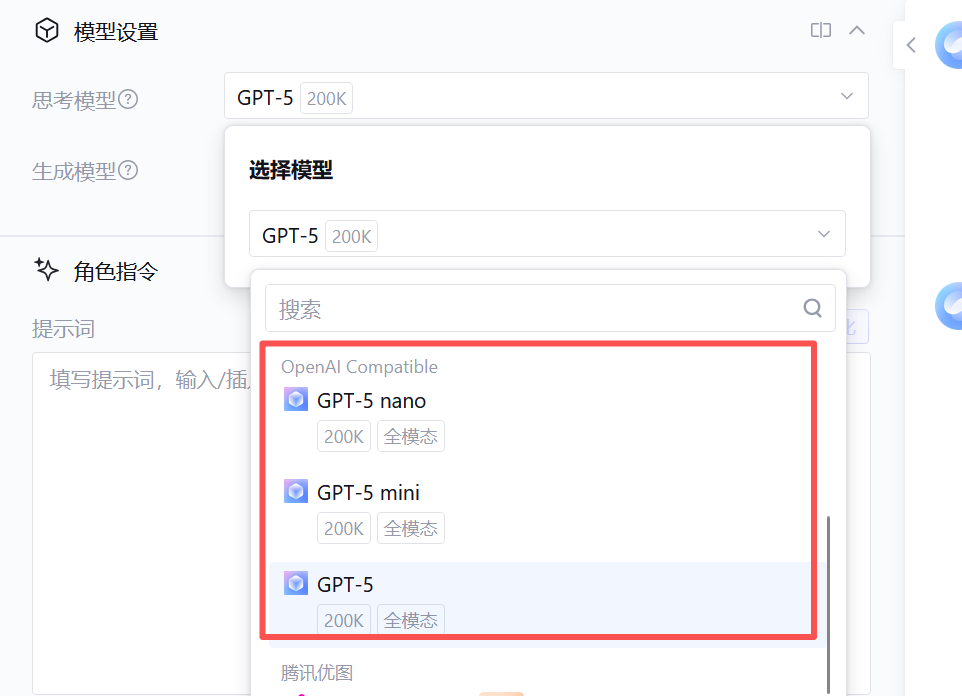 On first use, a red exclamation mark may appear beside the model with an insufficient balance warning:
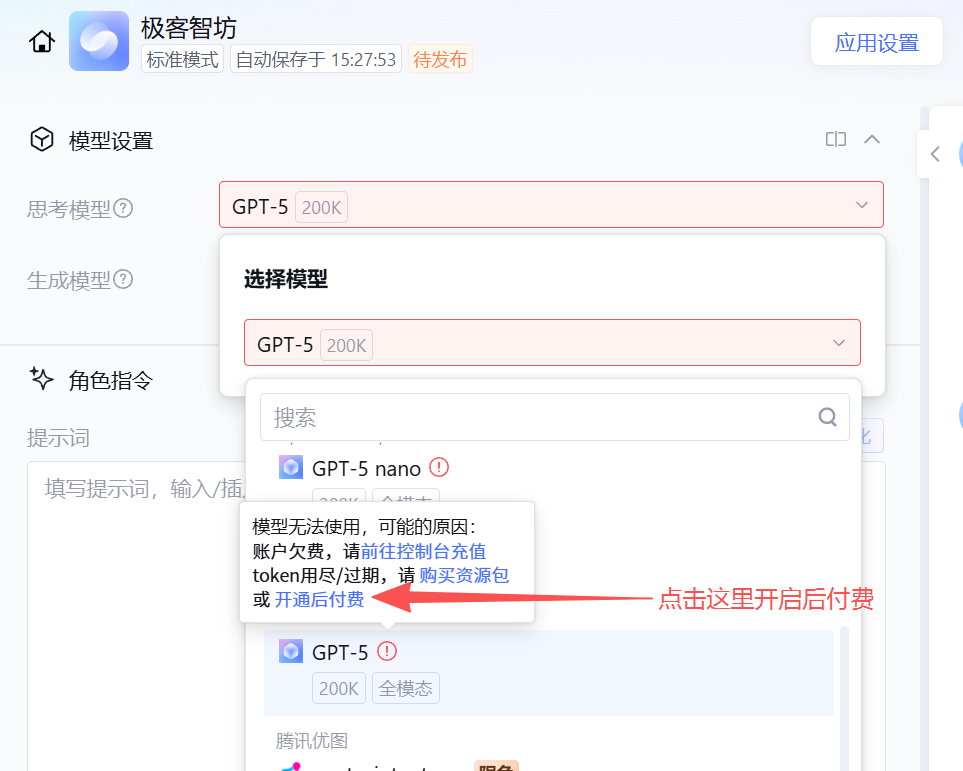 Click the exclamation mark to open the billing settings and enable postpaid billing for custom models:
 Return to the agent settings and refresh if the warning is still visible. Test the configuration with a short conversation:
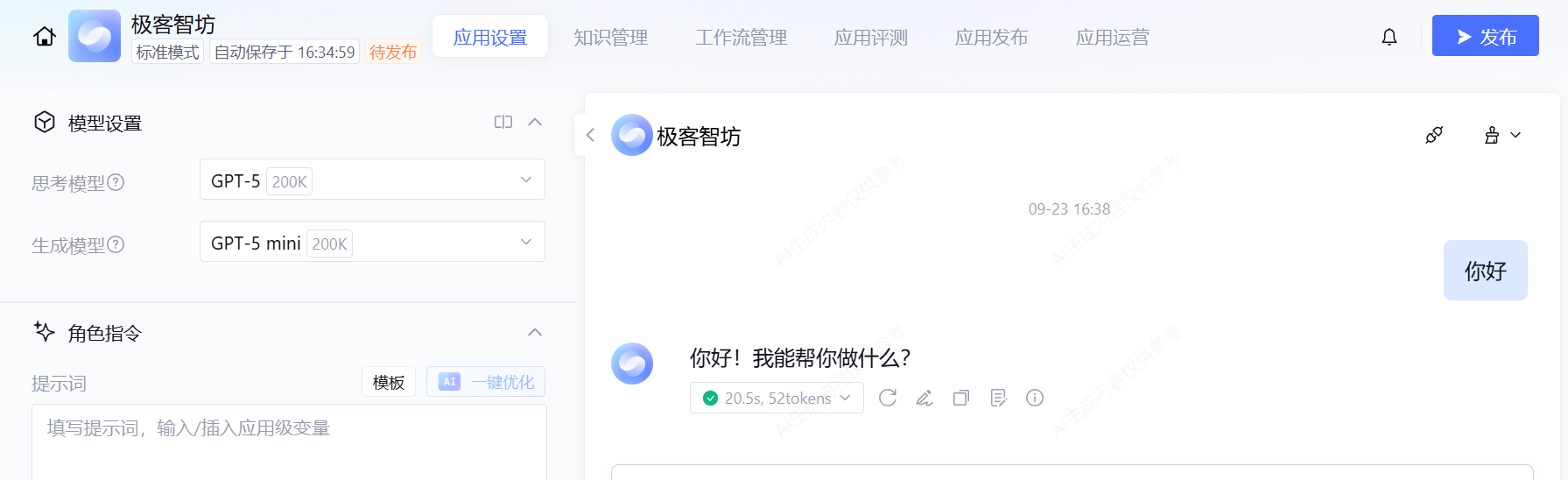 You can now use the model in your agent. Model usage is deducted from your GeekAI balance and appears in your billing history.
For help, join the GeekAI user group: