Quick start
Install OpenCode using the installation script: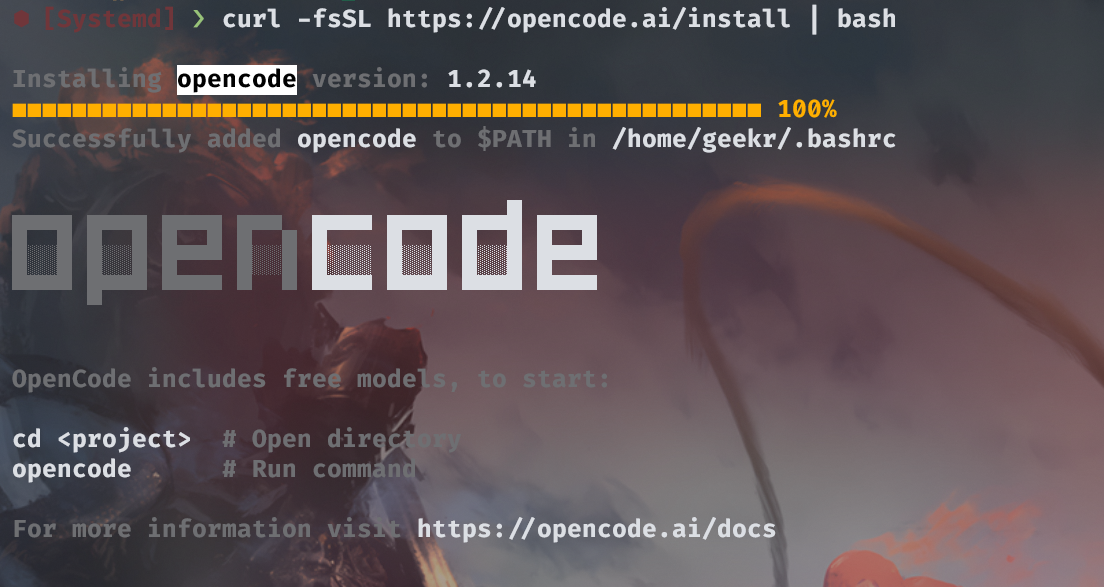 In the root of your project, create
opencode.json with the following provider configuration:
Replace
<YOUR_GEEKAI_API_KEY> with your GeekAI API key. To use GeekAI International, set baseURL to https://geekai.dev/api/v1 and use a key issued by the international service.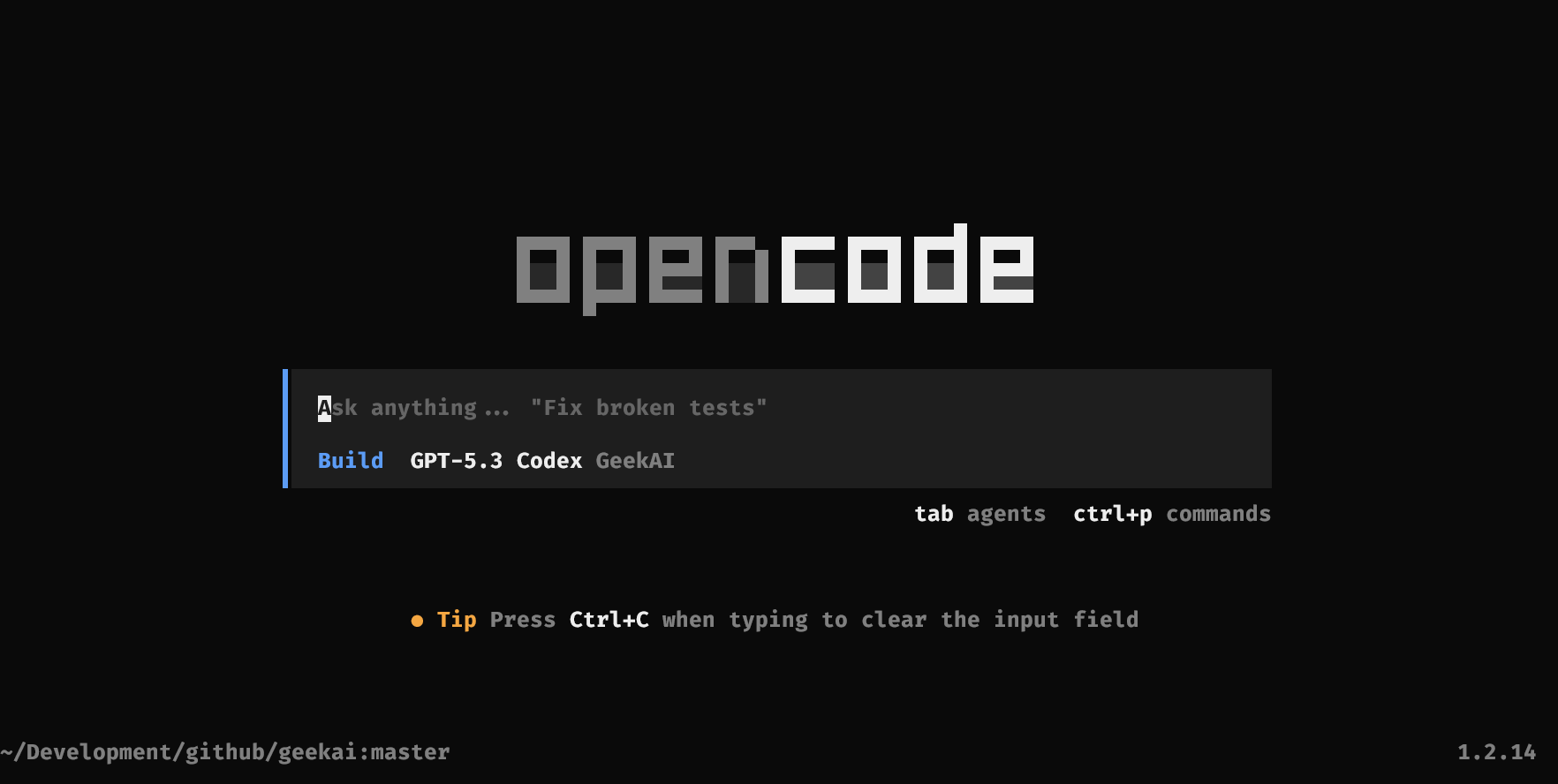
If you see
opencode: command not found, open a new terminal or reload your shell configuration with source ~/.bashrc (Bash) or source ~/.zshrc (Zsh). To switch models, run
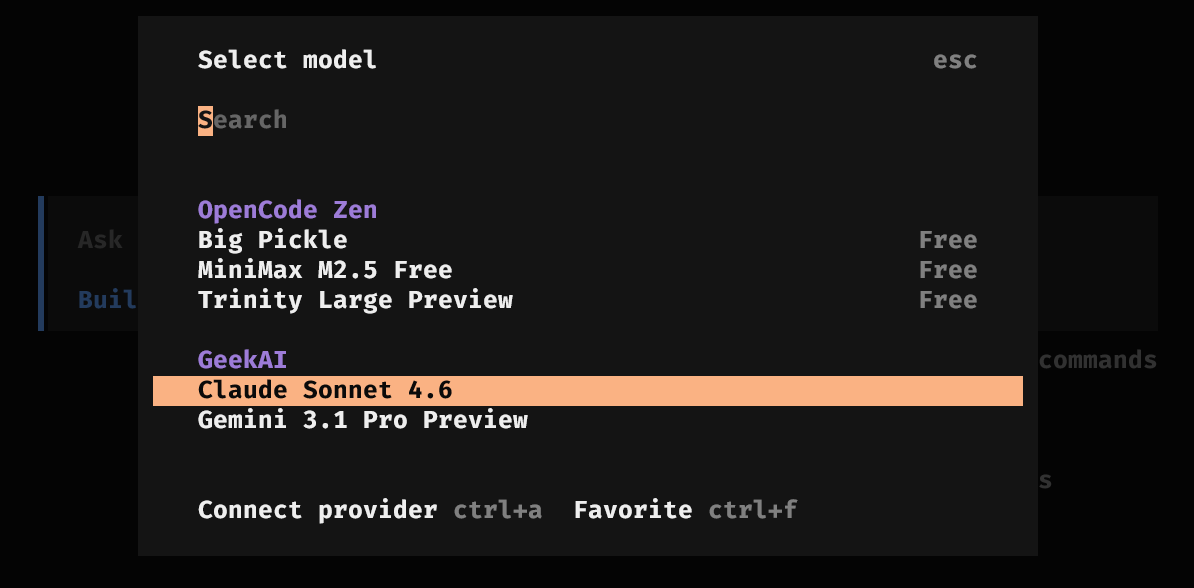
/models and choose a model from the list: