
npx:
http://127.0.0.1:3080 in your browser.
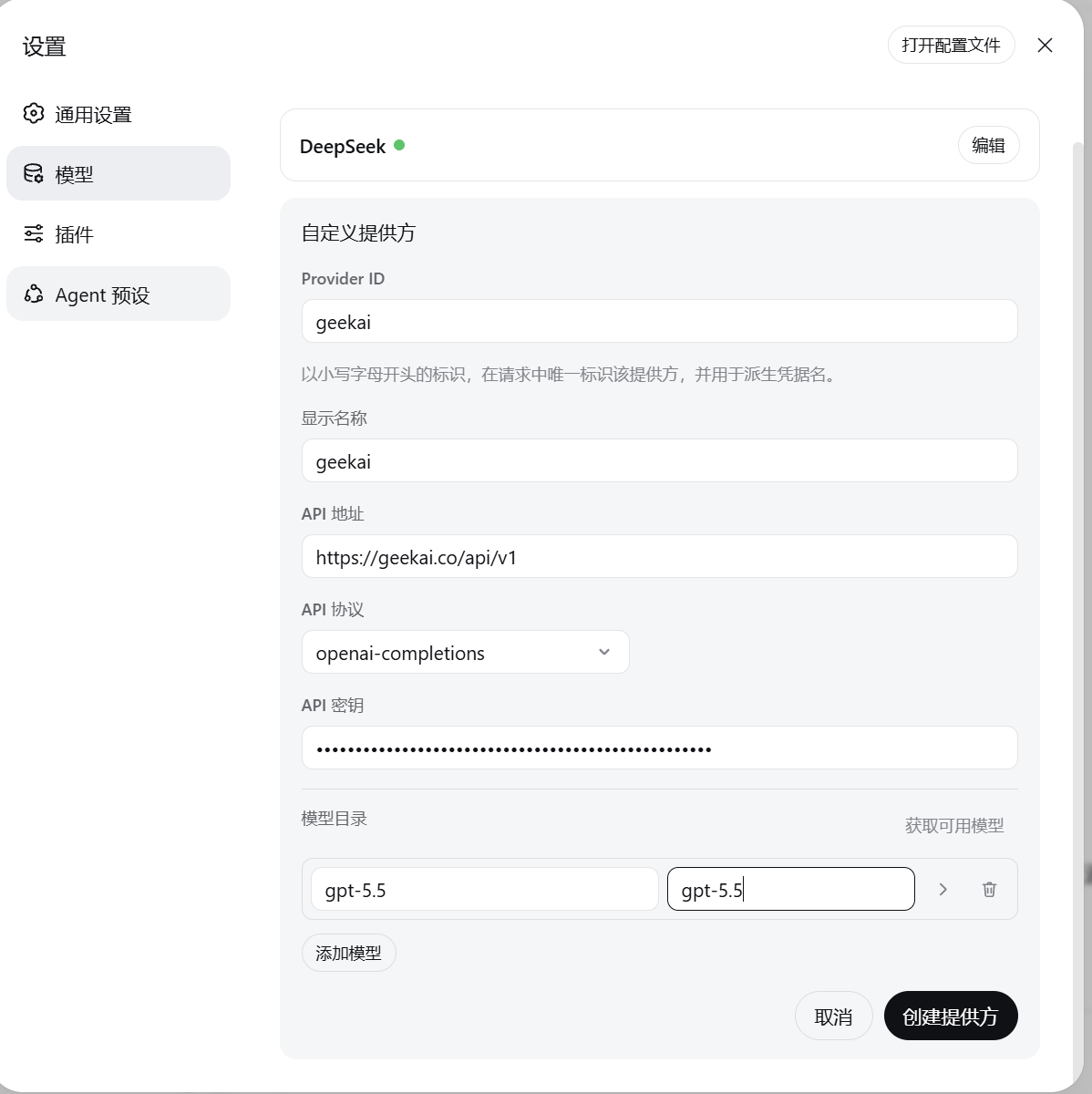
Open Settings in the lower-left corner, select Models → Add Custom Provider, and enter the GeekAI API settings:
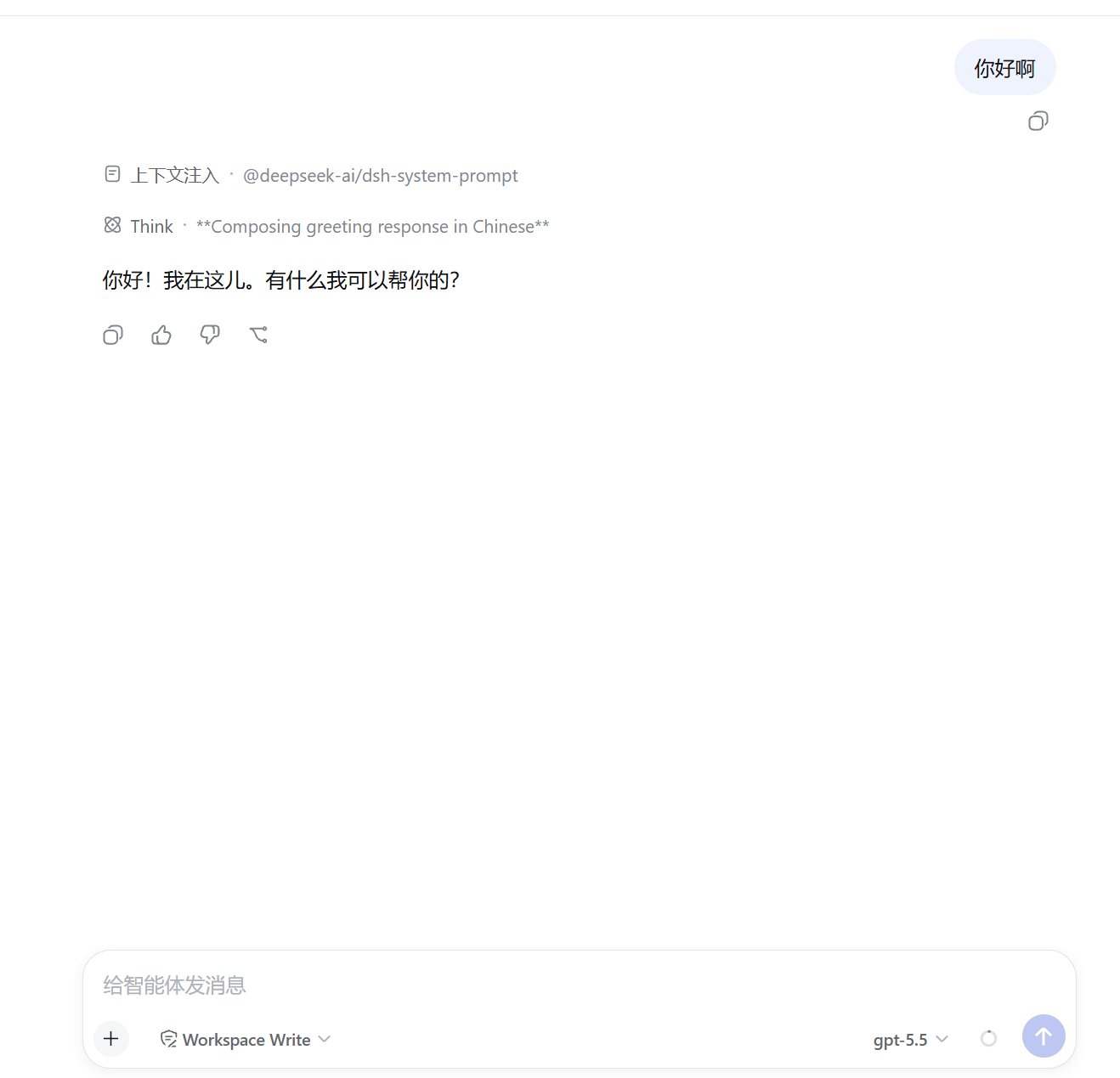
 Click Create Provider, return to the chat interface, and send a message to the model:
npx:
http://127.0.0.1:3080 in your browser.
Open Settings in the lower-left corner, select Models → Add Custom Provider, and enter the GeekAI API settings:
Click Create Provider, return to the chat interface, and send a message to the model: