
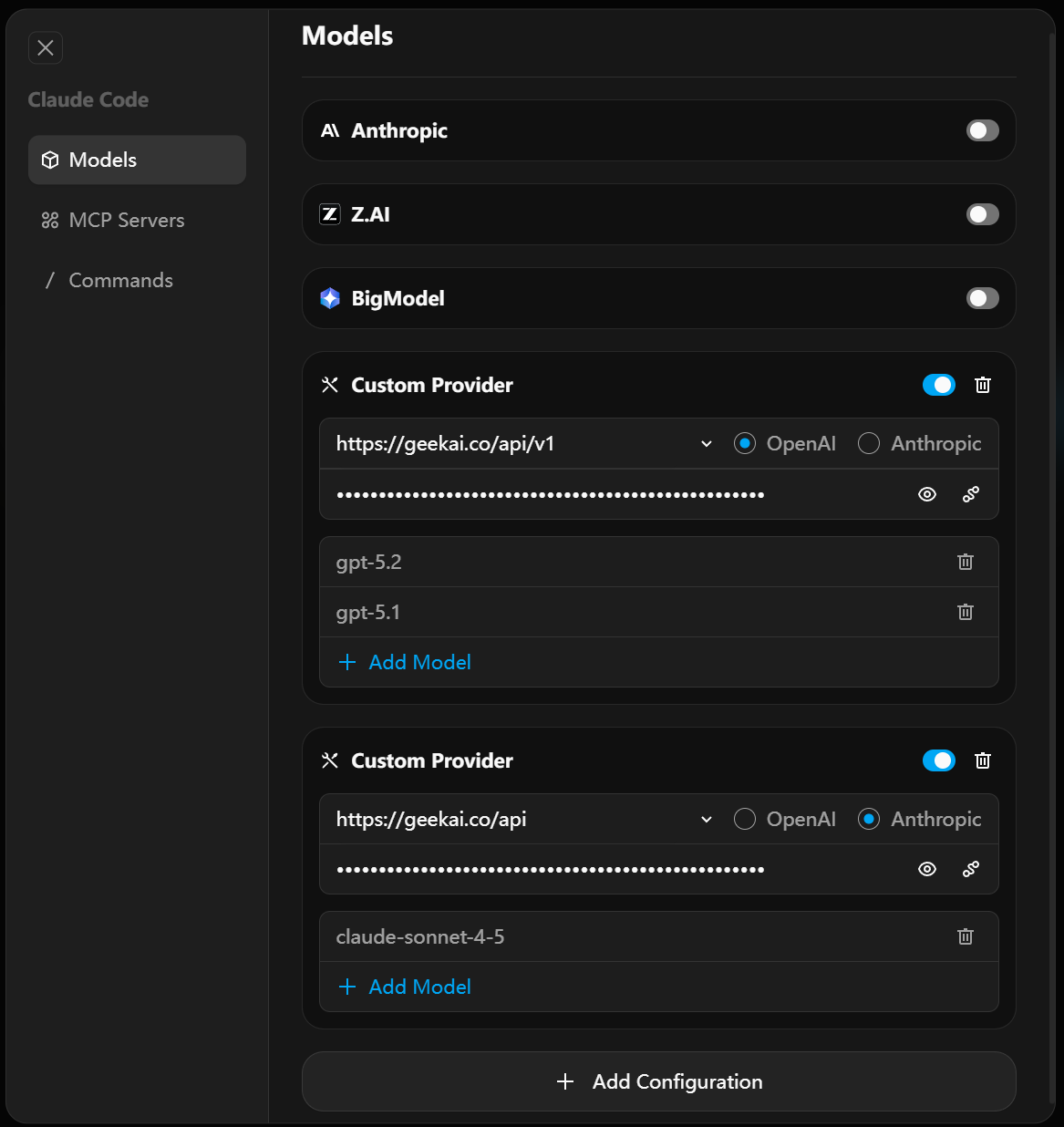
 Only the Claude Code tab supports third-party providers. Choose the OpenAI or Anthropic interface and enter the GeekAI base URL and API key. For Anthropic, omit
/v1 from the base URL or requests will fail.
Click Add Model and enter a GeekAI model ID. Search the GeekAI model catalog and copy the exact ID.
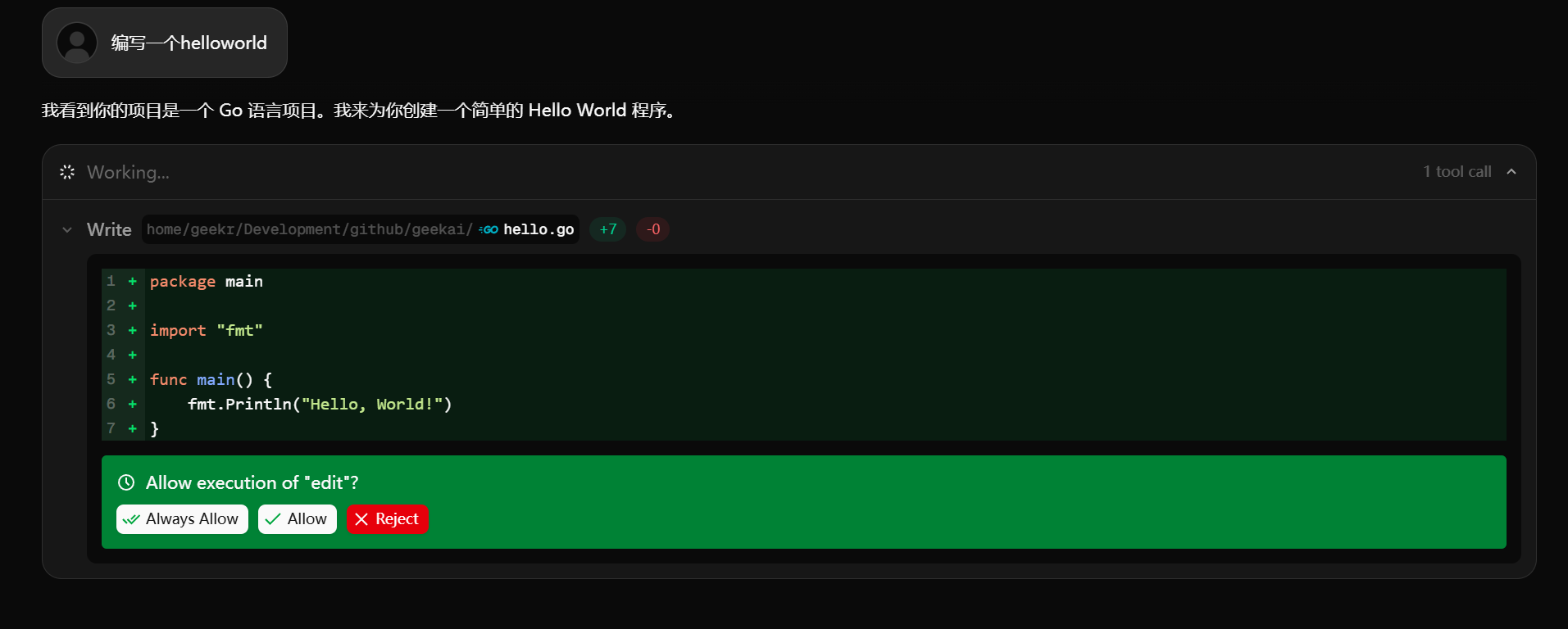
You can now use the model for coding in Z Code:
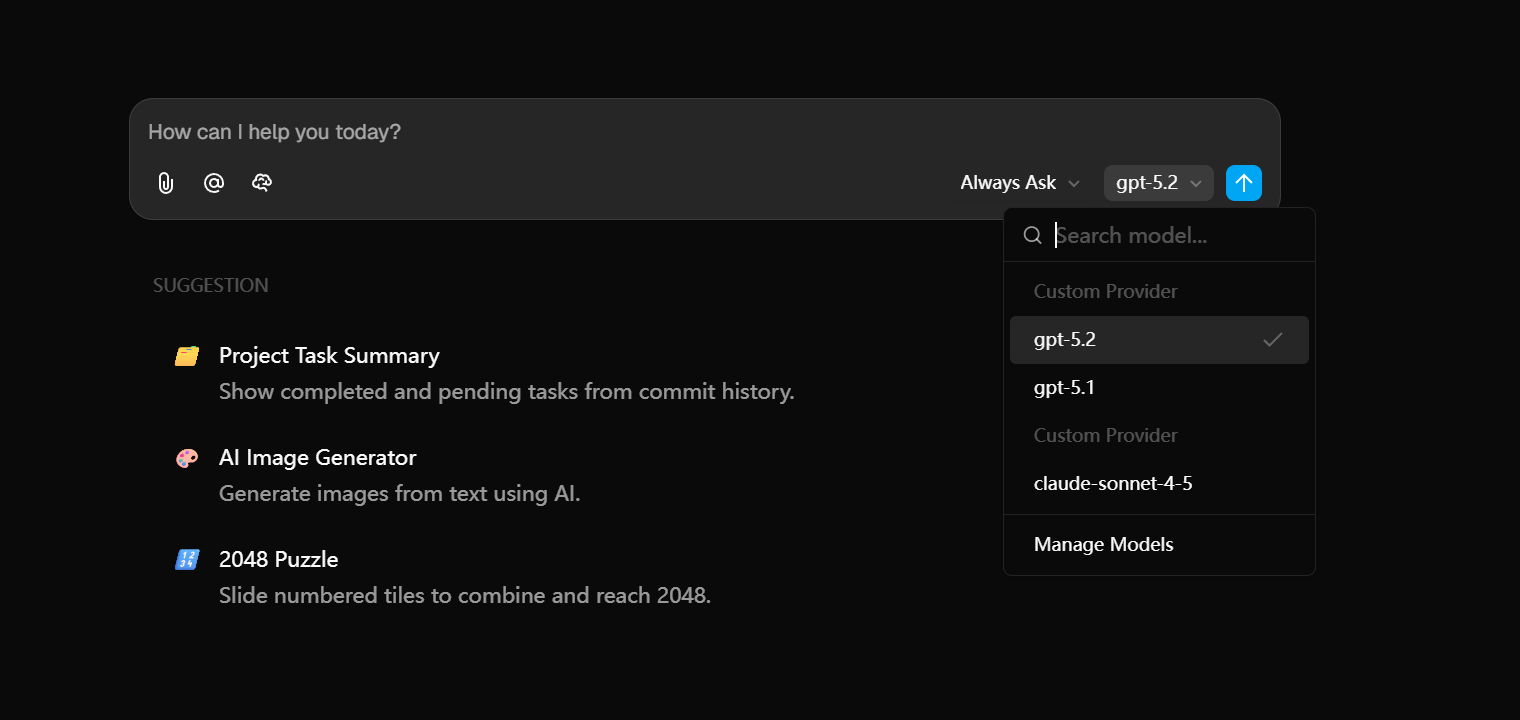
The Anthropic-compatible interface supports a subset of models, including Claude, DeepSeek V3.1+, Kimi K2+, MiniMax M2+, and GLM 4.5+. The OpenAI-compatible interface supports all GeekAI chat models.